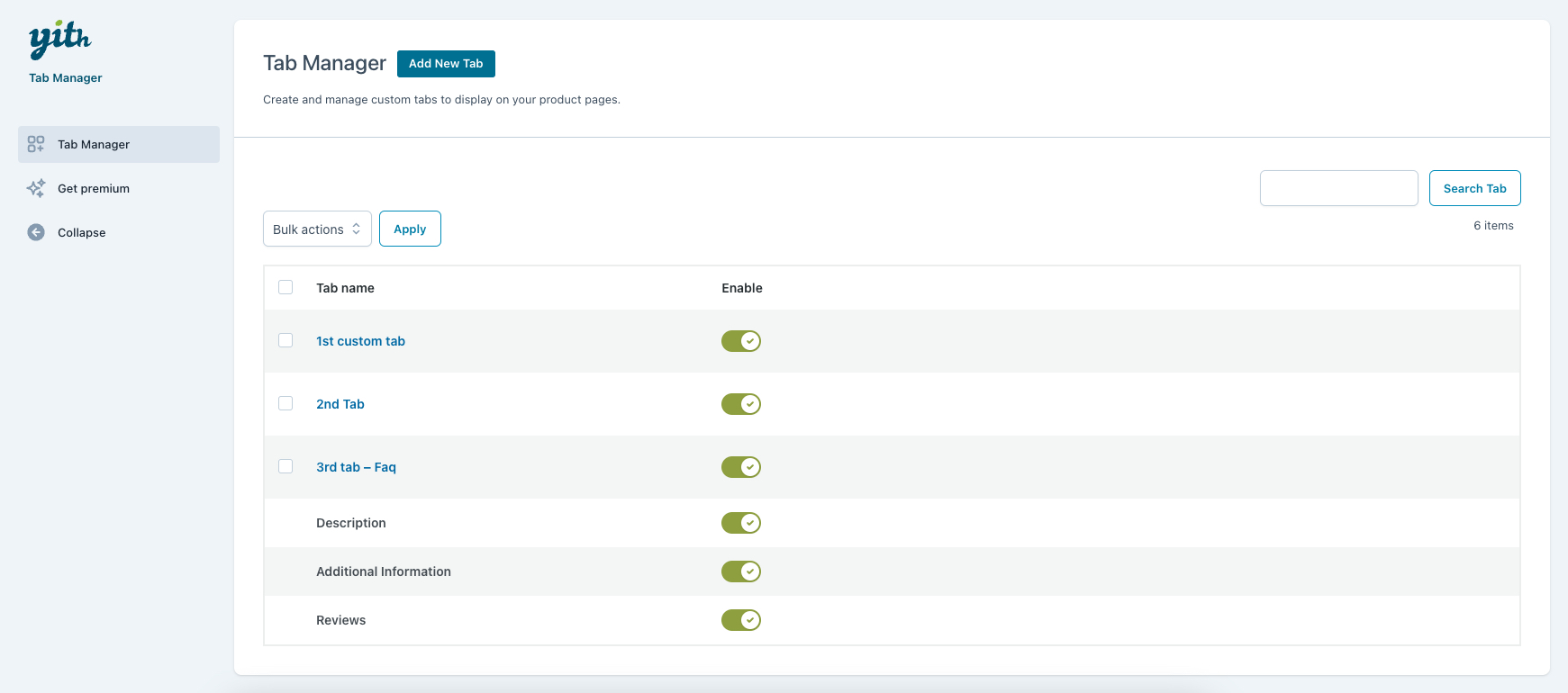
Admin: tab list
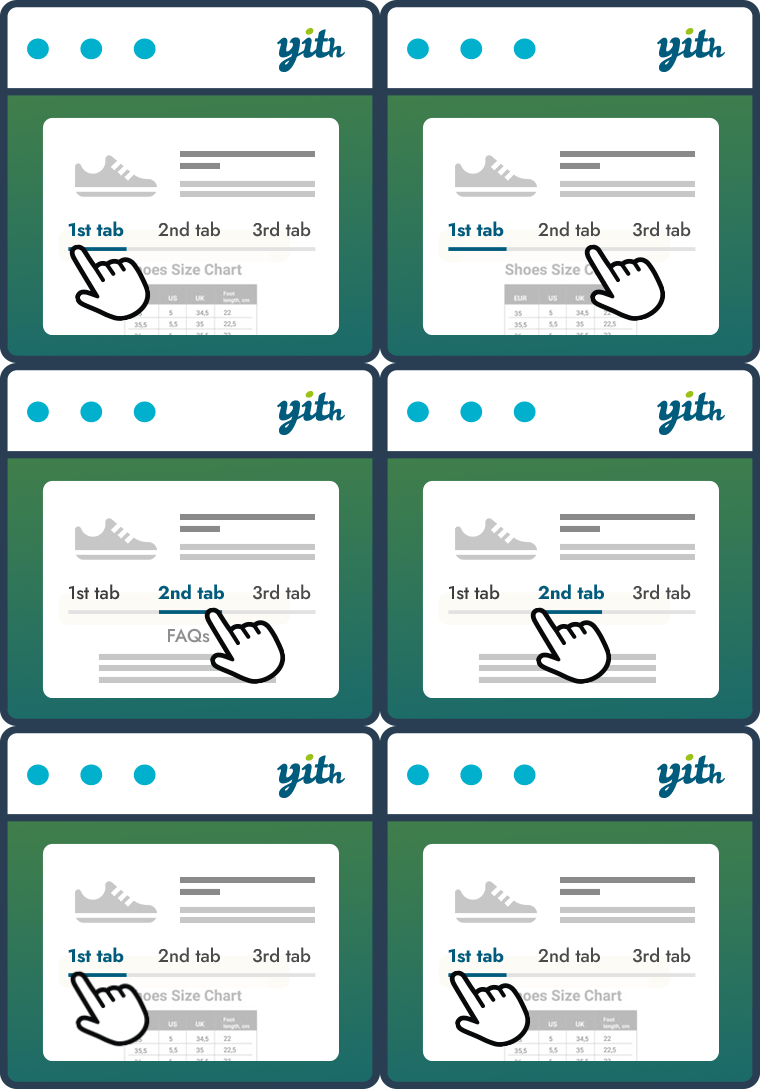
With our free plugin, you can improve the classic product page and create custom tabs to add useful content for your customers. You can add a description of your shop, images, FAQs, and more. With more structured product pages and targeted information, you can answer your customers’ doubts and push them to order.
You can disable the default WooCommerce tabs (Description, Additional information, Reviews, etc.), create unlimited tabs to show in all products, and use the built-in editor to insert text, images, and shortcodes. You can also customize the order of the tabs to decide their position on the product page.
Free version options:
-
Create unlimited tabs to show globally across all products
-
Enter and format text using the built-in editor
-
Insert images into tabs
-
Use shortcodes inside tabs
-
Use the drag-and-drop feature to sort tabs
-
Disable WooCommerce default tabs
See how it works in the live demo of the free plugin >
PREMIUM options
Want to create advanced and unlimited tabs? Go PREMIUM!
With the premium version of the plugin, you can:
-
Create tabs to show only on specific products
-
Create tabs to show only on products from specific categories
-
Create tabs with image and video galleries
-
Create FAQ tabs to answer common customers questions
-
Create tabs with a contact form
-
Create tabs with downloadable files
-
Create tabs with a Google map related to your products
-
Add custom icons to identify the tabs
-
Override the content of WooCommerce tabs for each product
-
Hide tabs on mobile devices (smartphones, tablets, etc.)
-
Customize the colors of the elements inside the tabs