WP STAGING – WordPress Backup, Restore & Migration
by Rene Hermenau on WordPress.org
Backup, restore, staging, and migration for WordPress. Create full-site backups and test updates safely. 100% Unit Tested.
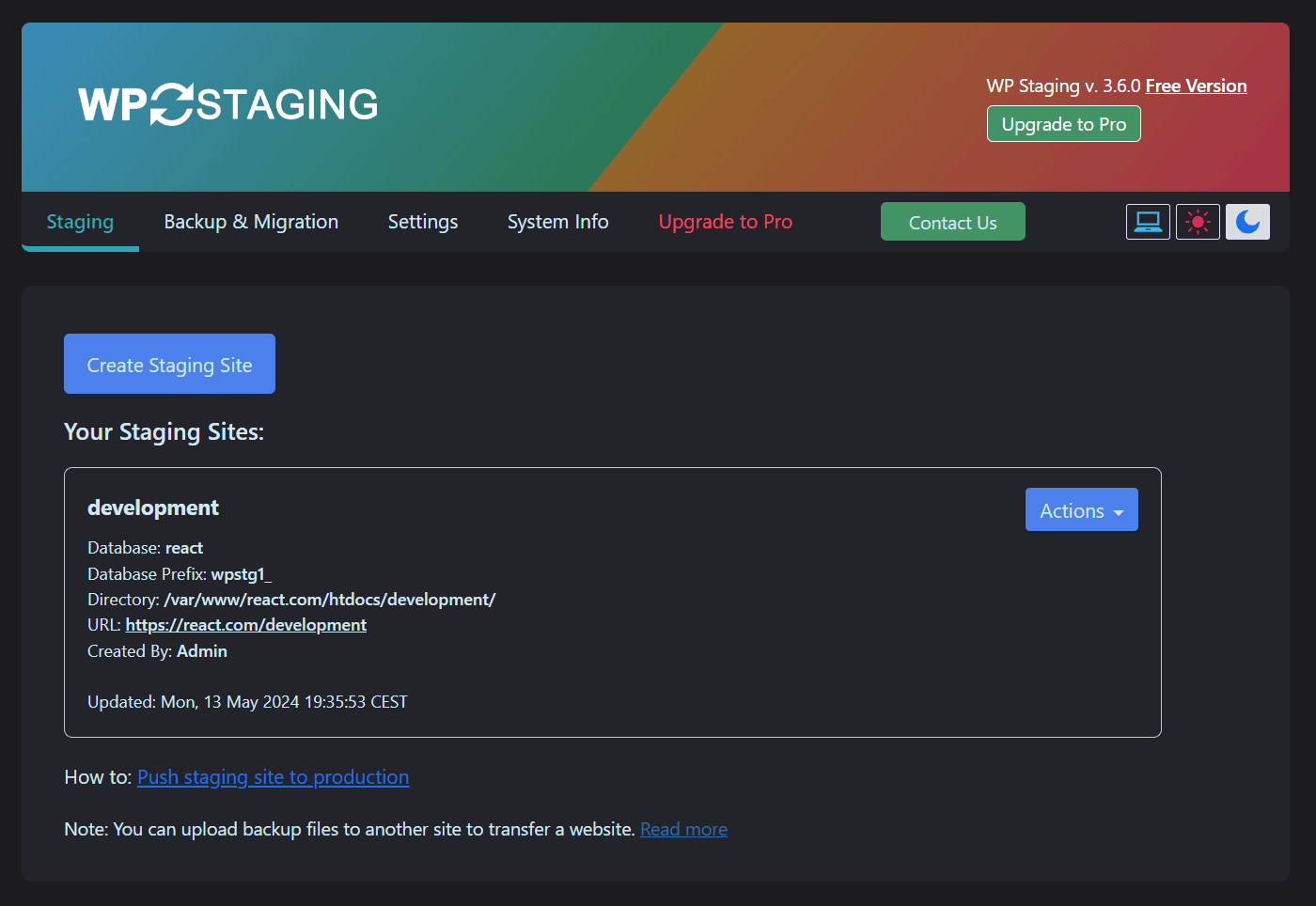
Create new WordPress staging / backup site (Dark Mode)
Backup, Restore, Staging, Cloning & Migration for WordPress
WP STAGING is an all-in-one backup & restore, duplicator, staging, and migration plugin for WordPress, built for professional workflows with 100% unit-tested code coverage, thousands of automated tests, and extensive end-to-end testing across supported PHP versions.
Create a full backup or an exact clone of your website in minutes. Use it to test plugin and theme updates safely, restore your site when needed, migrate WordPress to another server, or build a staging copy before making changes.
WP STAGING is developed in Germany and designed for agencies, developers, and businesses that need reliable WordPress backup, staging, restore, and migration workflows.
WP STAGING | PRO also includes advanced workflows such as Remote Sync, which lets you pull a WordPress site securely from one server to another using an API key, and WP STAGING CLI, which can turn a WP STAGING backup into a local Docker-based development site.
All data stays on your server unless you choose a transfer or remote storage workflow. WP STAGING is designed for speed, reliability, and low-resource environments, including shared hosting.
WP STAGING automatically performs search and replace for links and paths during cloning, backup, restore, and migration workflows.
This staging and backup plugin can clone your website quickly and efficiently, even if it is running on a weak shared hosting server.
WP STAGING FREE – BACKUP & STAGING FEATURES
- Clone the entire production site into a subdirectory like example.com/staging-site.
- High-performance backup and cloning, even for websites with very large databases.
- Backup scheduling with automatic daily backups.
- Easy to use: create a clone or backup in one click.
- Efficient background processing without slowing down your website.
- No Software as a Service and no external account required.
- All your data stays on your server. Your data belongs to you only.
- No server timeouts on huge websites or weak servers.
- Fast backup, clone, and restore workflows depending on site size and server resources.
- Use the clone as part of your backup and update strategy.
- Only administrators can access the cloned or backup website.
- SEO-friendly staging sites with login protection and no-index handling.
- The admin bar on the staging / backup website is orange colored and shows when you work on the staging site.
- Extensive logging features.
- Supports Apache, Nginx, Microsoft IIS, and LiteSpeed Server.
- Every release passes extensive automated tests to keep the plugin robust, reliable, and fast.
- Fast and professional support team.
WP STAGING | PRO – BACKUP & STAGING FEATURES
The features below are available in WP STAGING | PRO.
- Remote Sync – Pull a WordPress site securely from one server to another.
- WP STAGING CLI – Turn a backup into a local Docker-based development site.
- Migrate and transfer WordPress to another host or domain.
- Push a staging website including plugins, themes, and media files to production with one click.
- Clone a backup or staging site to a separate database.
- Choose a custom directory for a backup or cloned site.
- Select a custom subdomain destination like dev.example.com.
- Define user roles for accessing the clone or backup site. This can be clients or external developers.
- Multisite support for migration, backup, and cloning.
- Schedule recurring backups by time and interval.
- Download and upload backups to another server for migration and transfer.
- Backup retention settings.
- Custom backup names.
- Email notifications if a backup cannot be created.
- Backup for WordPress multisites.
- Backup to Google Drive.
- Backup to Amazon S3.
- Backup to (S)FTP.
- Backup to Dropbox.
- Custom backup folder destinations for cloud storage providers.
- Priority support.
DOCUMENTATION
How to Backup and Restore WordPress
Backup and Restore WordPress
Backup & Transfer WordPress Site to Another Host
How to Migrate Your WordPress Site to a New Host
Remote Sync
Pull a WordPress Site from One Server to Another
Local Docker Development with WP STAGING CLI
WP STAGING CLI – Upgrade Now
All Backup Guides
All Backup Guides
Working with Staging Sites
Working with Staging Sites
FAQ for Backup & Cloning
FAQ for Backup & Cloning
Troubleshooting Backup & Cloning
Troubleshooting Backup & Cloning
WP STAGING BACKUP & CLONING TECHNICAL REQUIREMENTS & INFORMATION
- Works on latest version of WordPress
- Minimum Supported WordPress Version 3.8
- Cloning and Backup work on all webhosts
- No extra libraries required
- Backup & cloning supports huge websites
- Custom backup format is much faster and smaller than any tar or zip compression
- Backup & cloning works in low memory & shared hosting environments