Ultimate Member – User Profile, Registration, Login, Member Directory, Content Restriction & Membership Plugin
by Ultimate Member on WordPress.org
Membership & community plugin with user profiles, registration & login, member directories, content restriction, user roles and much more.
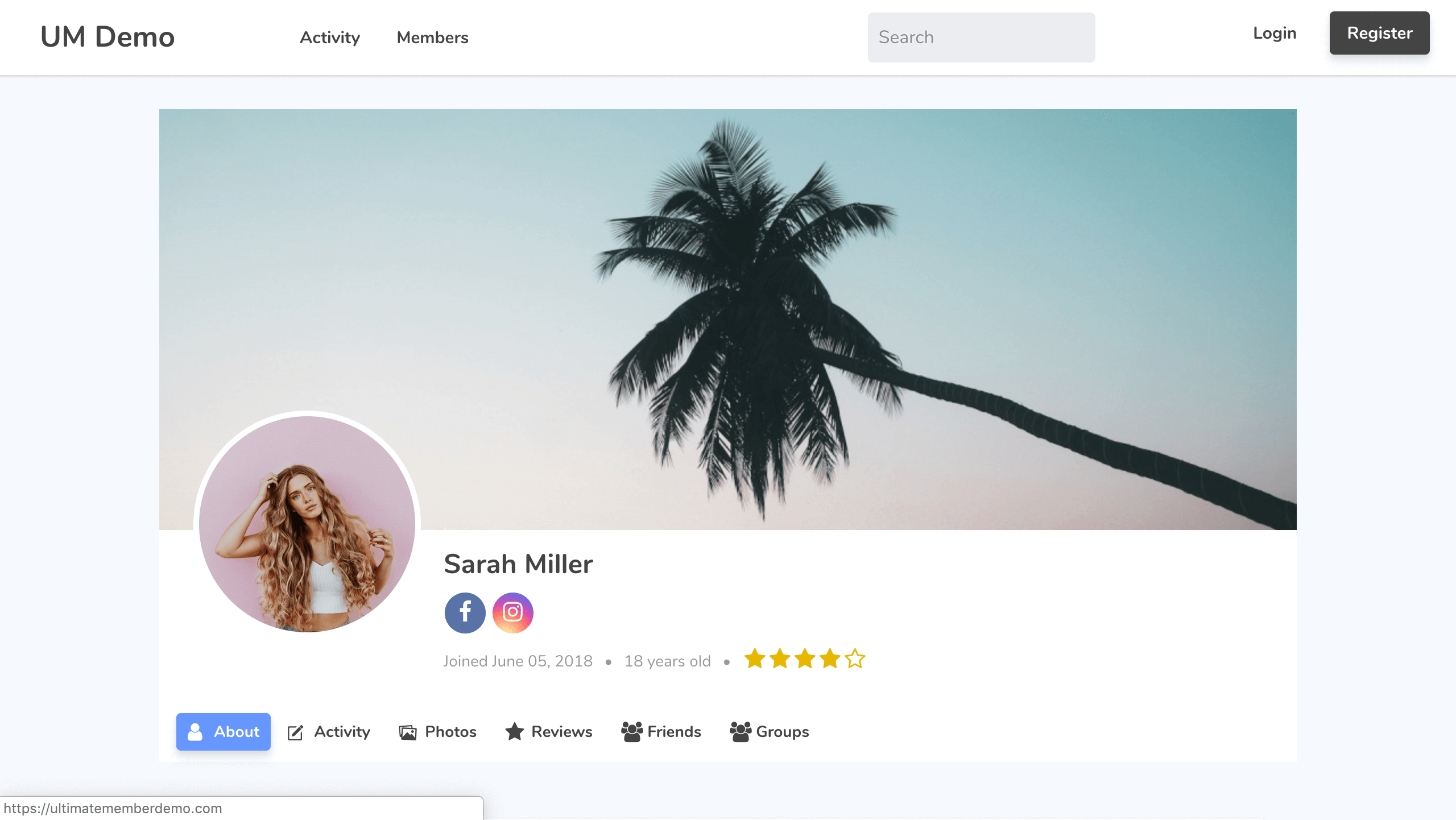
Screenshot 1
User Profile & Membership Plugin for WordPress
The ultimate user profile & membership plugin for WordPress. The plugin makes it a breeze for users to sign-up and become members of your website. The plugin allows you to add beautiful user profiles to your site and is designed for creating advanced online communities and membership sites. Lightweight and highly extendible, Ultimate Member will enable you to create almost any type of site where users can join and become members with absolute ease.
Features of the plugin include:
- Front-end user profiles
- Front-end user registration
- Front-end user login
- Custom form fields
- Conditional logic for form fields
- Drag and drop form builder
- User account page
- Custom user roles
- Member directories
- User emails
- Content restriction
- Conditional nav menus
- Show author posts & comments on user profiles
- Developer friendly with dozens of actions and filters
Read about all of the plugin’s features at Ultimate Member
Paid Extensions
Ultimate Member has a range of extensions that allow you to extend the power of the plugin. You can purchase all of these extensions at a significant discount with one of our paid plans or you can purchase extensions individually.
- Zapier – Allow to integrate the Zapier popular apps with Ultimate Member
- Stripe – Sell paid memberships to access your website via Stripe subscriptions
- User Notes – Allow users to create public and private notes from their profile
- Profile Tabs – Allow to add the custom tabs to profiles
- User Locations – Allow to display users on a map on the member directory page and allow users to add their location via their profile
- Unsplash – Allow users to select a profile cover photo from Unsplash from their profile
- User Bookmarks – Allow users to bookmark content from your website
- User Photos – Allow users to upload photos to their profile
- Groups – Allow users to create and join groups around shared topics, interests etc.
- Private Content – Display private content to logged in users that only they can access
- User Tags – Lets you add a user tag system to your website
- Social Activity – Let users create public wall posts & see the activity of other users
- WooCommerce – Allow you to integrate WooCommerce with Ultimate Member
- Private Messages – Add a private messaging system to your site & allow users to message each other
- Followers – Allow users to follow each other on your site and protect their profile information
- Real-time Notifications – Add a notifications system to your site so users can receive real-time notifications
- Social Login – Let users register & login to your site via Facebook, Twitter, G+, LinkedIn, Instagram and Vkontakte (VK.com)
- bbPress – With the bbPress extension you can beautifully integrate Ultimate Member with bbPress
- MailChimp – Allow users to subscribe to your MailChimp lists when they signup on your site and sync user meta to MailChimp
- User Reviews – Allow users to rate & review each other using a 5 star rate/review system
- Verified Users – Add a user verification system to your site so user accounts can be verified
- myCRED – With the myCRED extension you can integrate Ultimate Member with the popular myCRED points management plugin
- Notices – Alert users to important information using conditional notices
- Profile Completeness – Encourage or force users to complete their profiles with the profile completeness extension
- Friends – Allows users to become friends by sending & accepting/rejecting friend requests
Free Extensions
- JobsBoardWP – This free extension integrates Ultimate Member with the job board plugin JobBoardWP.
- ForumWP – This free extension integrates Ultimate Member with the forum plugin ForumWP.
- Terms & Conditions – Add a terms and condition checkbox to your registration forms & require users to agree to your T&Cs before registering on your site.
- Google reCAPTCHA – Stop bots on your registration & login forms with Google reCAPTCHA
- Online Users – Display what users are online with this extension
Theme
Our official theme is purpose built for websites that have logged in and out users. The theme has deep integration with Ultimate Member plugin and the extensions, different header designs for logged-in/out users and works alongside the Beaver Builder and Elementor page builders.
Our other plugins
In addition to Ultimate Member, we also have two other plugins: ForumWP and JobBoardWP.
ForumWP
ForumWP is a forum plugin which adds an online forum to your website, allowing users to create topics and write replies. Forums are a great way to build and grow an online community.
JobBoardWP
JobBoardWP is a job board plugin which adds a modern job board to your website. Display job listings and allow employers to submit and manage jobs all from the front-end.
Development * Translations
If you’re a developer and would like to contribute to the source code of the plugin you can do so via our GitHub Repository.
Want to add a new language to Ultimate Member? Great! You can contribute via translate.wordpress.org.
If you are a developer and you need to know the list of UM Hooks, make this via our Hooks Documentation or Hooks Documentation v2.
If you are a developer and you need to know the structure of our code, make this via our Documentation API.
Documentation & Support
Got a problem or need help with Ultimate Member? Head over to our documentation and perform a search of the knowledge base. If you can’t find a solution to your issue then you can create a topic on the support forum.