TablePress – Tables in WordPress made easy
by Tobias Bäthge on WordPress.org
Embed beautiful, accessible, and interactive tables into your WordPress website’s posts and pages, without having to write code!
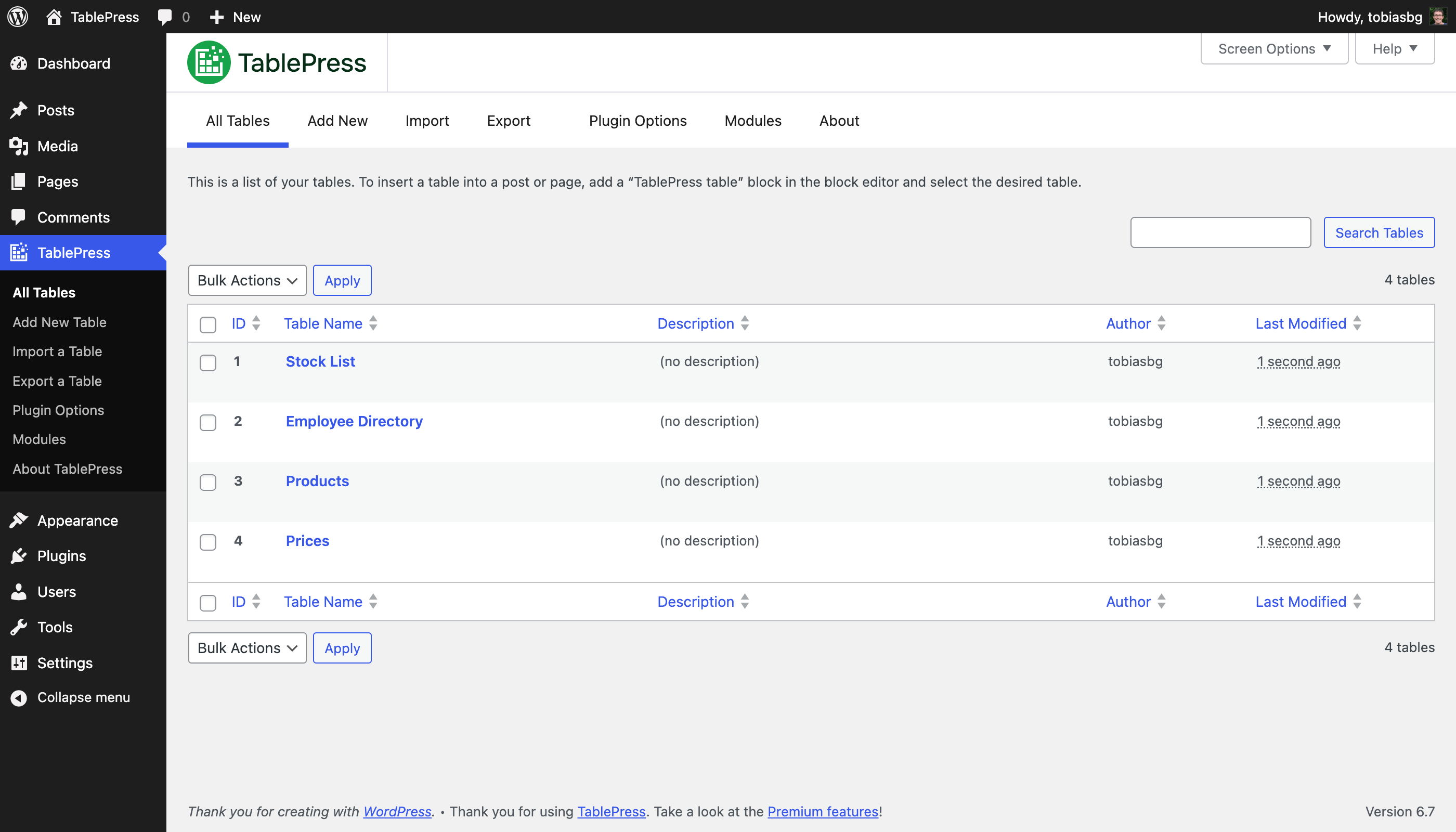
"All Tables" screen
Boost your website with feature-rich tables that your visitors will love!
TablePress is the most popular and highest-rated WordPress table plugin.
- Easily create, edit, and manage beautiful and modern data tables, no matter if small or large!
- Add live sorting, pagination, searching, and more interactivity for your site’s visitors!
- Use any type of data, insert images, links, and even math formulas!
- Import and export tables from/to Excel, CSV, HTML, and JSON files or URLs.
- Embed tables into posts, pages, or other site areas using the block editor, an Elementor widget, or Shortcodes.
- All with no coding knowledge needed!
Even more great features for you and your site’s visitors and priority email support are available with a Premium license plan of TablePress. Go check them out!
More information
Visit tablepress.org for more information, take a look at example tables, or try TablePress on a free test site. For latest news, follow @TablePress on Twitter/X or subscribe to the TablePress Newsletter.
How to use TablePress
After installing the plugin, you can create and manage tables on the “TablePress” screen in the WordPress Dashboard.
To insert a table into a post or page, add a “TablePress table” block in the block editor or a widget in the Elementor page builder and select the desired table or use Shortcodes with other page builders.
Beginner-friendly step-by-step tutorials, guides, and how-tos show how to achieve common and popular tasks with TablePress.
Examples for common styling changes via “Custom CSS” code can be found on the TablePress FAQ page.
You may also add certain features (like sorting, pagination, filtering, alternating row colors, row highlighting, print name and/or description, …) by enabling the corresponding checkboxes on a table’s “Edit” screen.
Even more great features for you and your site’s visitors and priority email support are available with a Premium license plan of TablePress. Go check them out!