
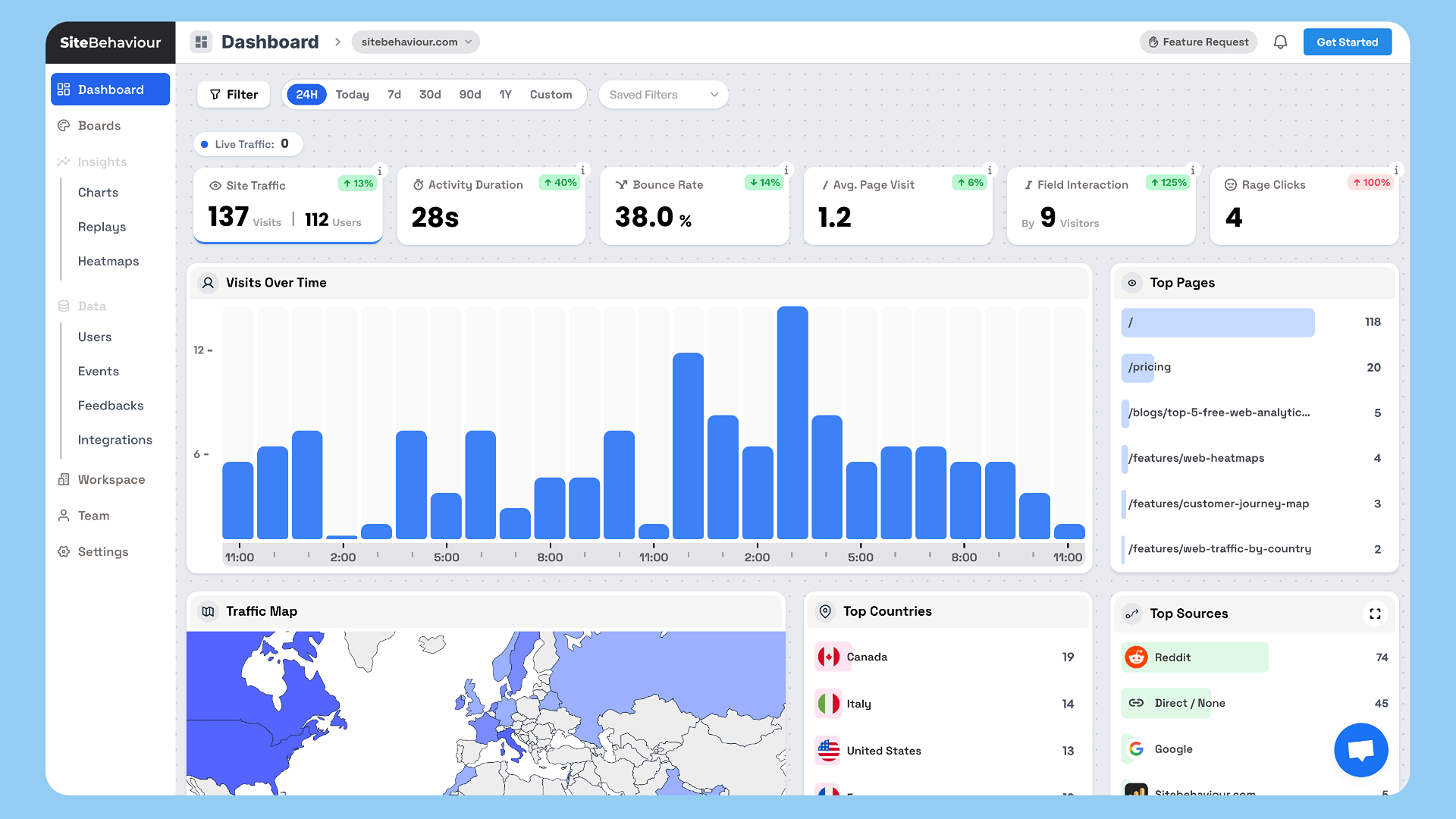
Plugin settings page where you can paste your tracking code.
SiteBehaviour Analytics is a simple WordPress plugin that allows you to add your tracking code directly into the section of your website for seamless visitor tracking.
This tool is designed to integrate with SiteBehaviour Analytics, your one-stop solution for website analytics. Once you sign up for an SiteBehaviour Analytics account, you’ll receive a unique tracking code that you can paste into the plugin settings.
Features
- Add a custom tracking code to the section of your website
- Simple interface for pasting and managing your analytics tracking code
- Integrates with your SiteBehaviour Analytics account for real-time visitor data
- Lightweight and optimized for performance
How it works
- Sign up for an SiteBehaviour Analytics account at https://web.sitebehaviour.com.
- Once you’ve created an account, you’ll get a unique tracking code in your workspace’s website settings.
- Paste the tracking code into the SiteBehaviour Analytics plugin settings under Settings > SiteBehaviour Analytics.
- Save your changes, and you’re done! Your website is now being tracked through SiteBehaviour Analytics.
Active installations90+
Weekly downloads
18+20.00%
Version1.2
Last updated10/29/2024
WordPress version5.0
Tested up to6.6.2
Tags
analyticsmarketingtrackingwebsite analytics


