RaCar Clear Cart for WooCommerce
by Rafa Carvalhido on WordPress.org
RaCar Clear Cart for WooCommerce allows you to add a customizable button to clear the shopping cart.
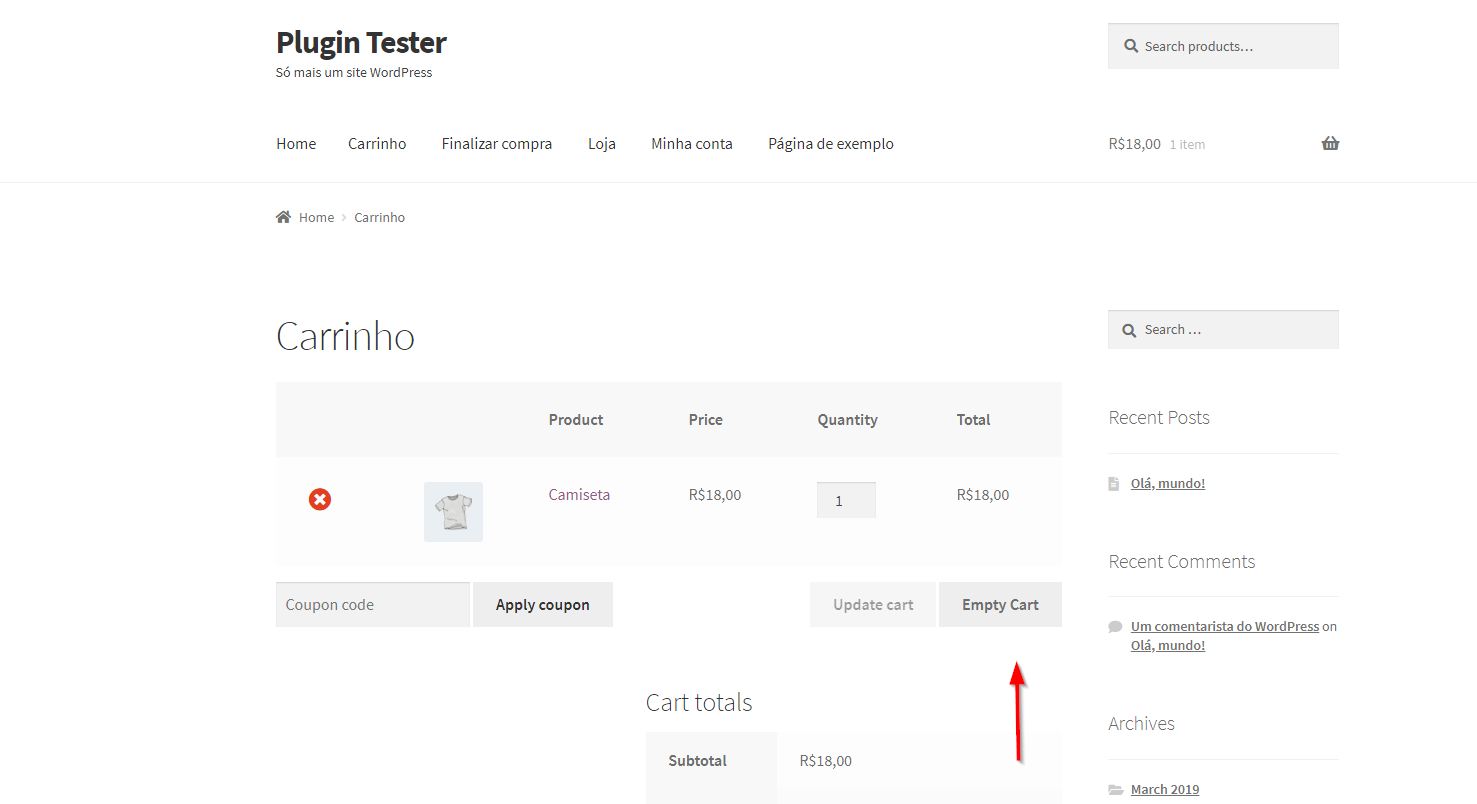
Plugin Enabled
This plugin allows you to add a customizable button to clear the cart. The button appears on the WooCommerce’s cart page and when pressed, it asks for confirmation if the shopping cart should really be cleared. If the shopper clicks ok, it will remove all items from their WooCommerce shopping.
You may change the text for the questions. Also the position and colors of the button.
AFTER INSTALL
After installation and activation, on the plugins page, find RaCar Clear Cart for WooCommerce on the list and click ‘settings’ right under the title. It’ll take you to the plugin’s settings page. Another way of getting there is through the left admin menu. Find the RaCar Plugins handle and click it.
HOW TO USE IT
On settings page, choose your options such as colors and text and enable the plugin so the button will show.
The button itself is a ‘
RESET SETTINGS
So far, the only way to reset your settings is unistalling the plugin and installing it back on. Just deactivating and activating will NOT reset settings, only the unistalling will.
Languages
This plugin was written in English and has Brazilian Portuguese transalations. Este plugin está traduzido em Português do Brasil.
Screenshots Caption
Below, you’ll find the screenshots. Follow these captions:
1. Plugin Enabled
2. Confirmation
3. Cleared Cart
4. Plugin Options
5. Frontend With Option set


