
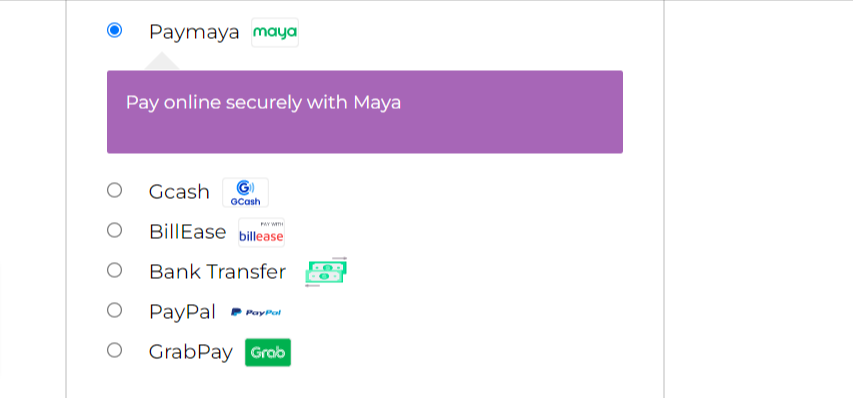
This is how the icons appear on checkout
Customize the payment gateway icons that appear on the WooCommerce checkout page to anything you like or brand that suits your business. You can sizes for desktop and mobile view.
Active installations1K+
Weekly downloads
521+942.00%
Version2.1.0
Last updated4/16/2026
WordPress version5.8
Tested up to6.9.4
PHP version7.4
Tags
custom iconsiconspayment gatewaywoocommerce