
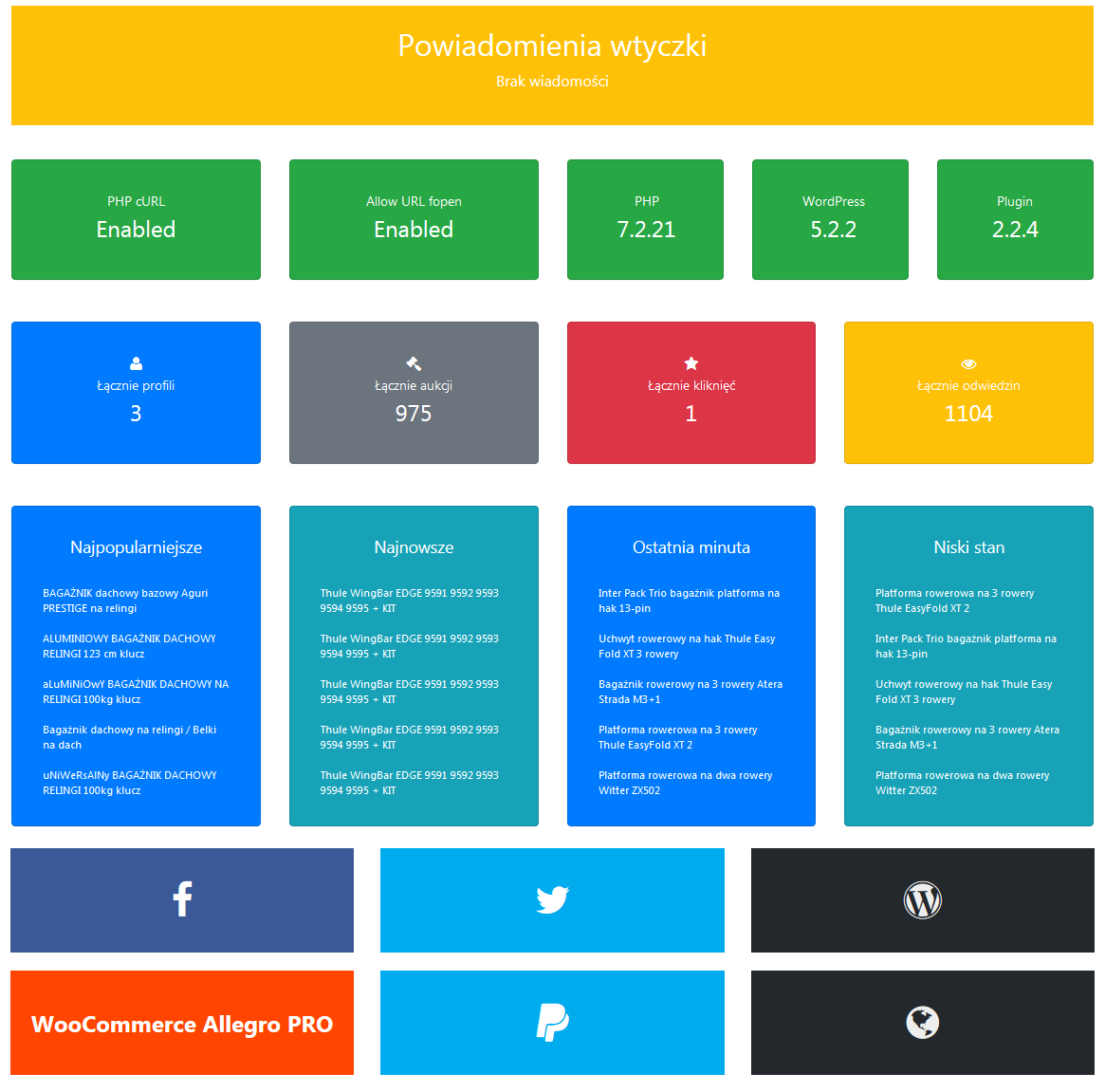
Dashboard
The best description will be if I describe all functionalities that this extension can do.
– You can connect plugin with REST API and/or WebAPI
– You can easily add infinity count of settings (apps), for example if you have 3 accounts on allegro, you can add all to plugin
– You can get your or somebody else auctions from allegro to WordPress.
– You can show them as widget and/or as shortcode on page/post, to do it you just need to add some code (ex. [gjmaa id='5' count='10' show_price='0' show_time='0' show_comments='0' count_of_comments='5' /]
) – you can customize shortcode via fields:
* id — profile id in plugin
* count – amount of actions to show
* title (default empty) – title to show before auctions
* show_price (false) – show prices
* show_time (default false) – show time to end of auction
* image_width (default 200) – width of images
* image_height (default 150) – height of images
Do you have WooCommerce? Awesome!
– You can import auctions from allegro as products
– Importer only add new products
– Autosync Stock of products ( you need to run cron on your server )
– Autosync Price of products (you can enable price update to sync between allegro and your WooCommerce)
– Automap Categories (schema like on allegro)
Do you want more?
– Don’t hesitate to be in touch
Do you need support?
– I can help you
Do you want to test plugin by one click?
– Check it out here
WooCommerce Allegro PRO
Features
– Import orders to WooCommerce
– Update status of order in WooCommerce based on status in Allegro
– Possibility of send order from WooCommerce
– Map categories and attributes
– Creating your own templates
– Possibility of management multiple accounts in one place
– Two-way synchronization of stock (WooCommerce -> Allegro and vice versa)
Pro Version was released at 15.04.2019!
Hope that this will help you to manage products / orders from allegro in woocommerce more simple.
Ream more about WooCommerce Allegro PRO.
Support
- You can find all possibilities of contact with me at plugin dashboard.
- You can call to me
- And much much more
Watch a video that will show you how to set up this extension
Regards WPHocus