
List Child Pages Shortcode
by douglaskarr on WordPress.org
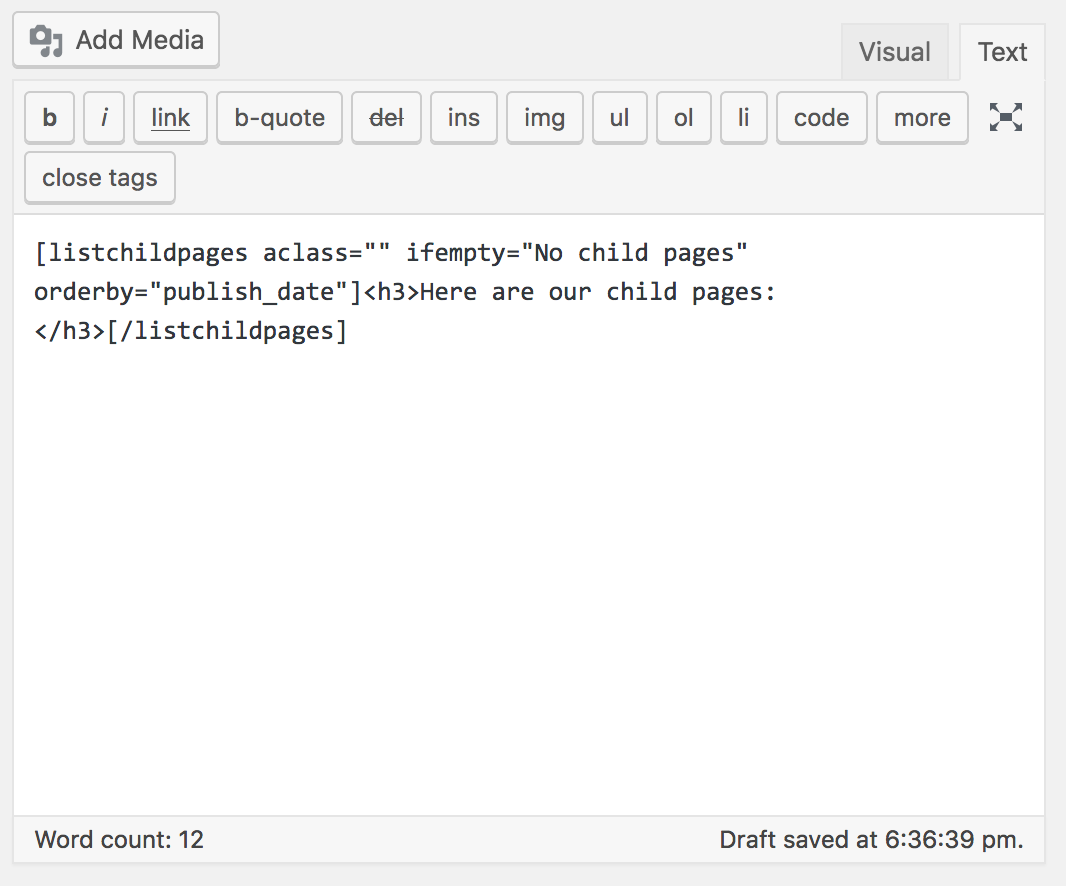
View of the shortcode.
I could not find an easy plugin that enabled me to use a shortcode that would enable me to publish a list of child pages under a parent page. So, I built one.
Usage
The shortcode is [listchildpages]...[/listchildpages]. It accepts several attributes:
- ifempty: Message or HTML to show if no child pages exist.
- order:
ASCorDESC. Default:DESC. - orderby: Field to order by. Default:
publish_date(maps todate). Any validWP_Queryorderby value works. - displayimage: Show featured image (
yes|no). Default:no. - align: CSS class to apply to the image (
alignleft,alignright, etc.). - ulclass, liclass, aclass: CSS classes for the list, list items, and links.
- parent: ID, slug/path, or
currentto choose the parent page. Default:current. - size: Image size for thumbnails (
thumbnail,medium,large,full, or custom size). Default:thumbnail.
Examples:
Example 1: Order the child pages by publish date in descending order:
[listchildpages aclass=”” ifempty=”No child pages” orderby=”publish_date” order=”desc” displayimage=”no”]
Here are our child pages:
[/listchildpages]
Example 2: Order the child pages by title in ascending order with the page’s featured image aligned left:
[listchildpages orderby=”title” order=”asc” displayimage=”yes” align=”alignleft”]
Here are our child pages:
[/listchildpages]
Example 3: Target a specific parent page by ID and use medium-sized images:
[listchildpages parent=”123″ displayimage=”yes” size=”medium”]
Resources
[/listchildpages]
Example 4: Target a parent page by slug and show full-size featured images:
[listchildpages parent=”about/company” displayimage=”yes” size=”full”]
Team Sections
[/listchildpages]
Example 5: Explicitly set the parent as the current page and use large images:
[listchildpages parent=”current” displayimage=”yes” size=”large”]
Subpages
[/listchildpages]
The shortcode accepts all of the Order and Orderby Parameters listed within the WordPress class reference.
Built by DK New Media, visit MarTech to keep up on this plugin and other marketing tools to help you grow your online presence!


