
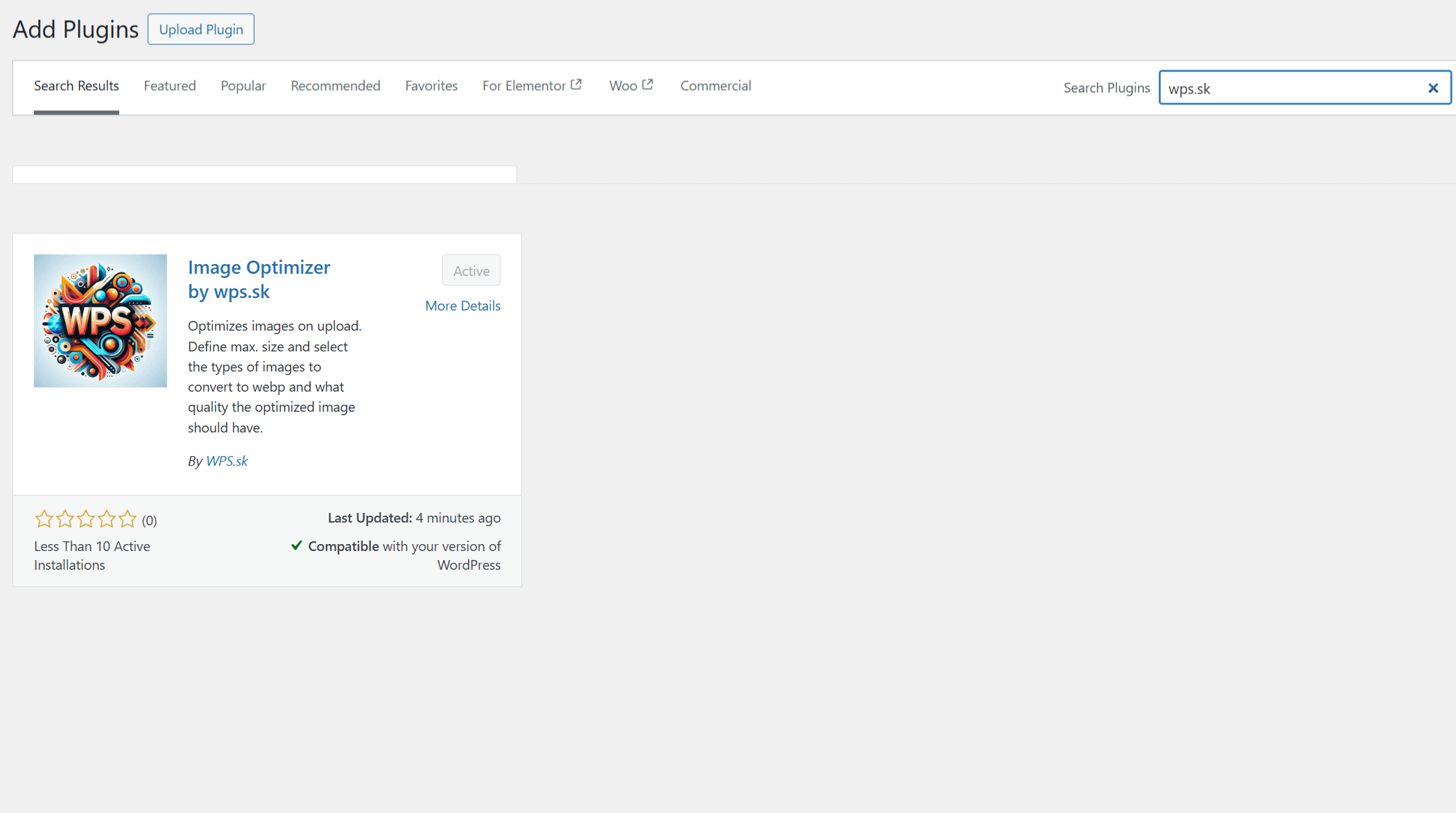
Image Optimizer by wps.sk optimizes images when uploading. Define the maximum image size and choose which file types should be converted to webp and what the compression or quality of the optimized image should be.
Features
- Retain or delete original images after optimization
- Set image quality and WebP compression method
- Convert specific image types to WebP
- Automatically set image alt text based on filename
- Define maximum width for uploaded images
- Bulk image optimization
Settings
- Go to Settings -> Image Optimizer by wps.sk in your WordPress dashboard. Here you can set the image quality, WebP compression method, and other options.
Active installations20+
Weekly downloads
51+410.00%
Version1.2.0
Last updated6/26/2025
WordPress version6.0
Tested up to6.8.1
Tags
compressionimagesoptimizationresizewebp