
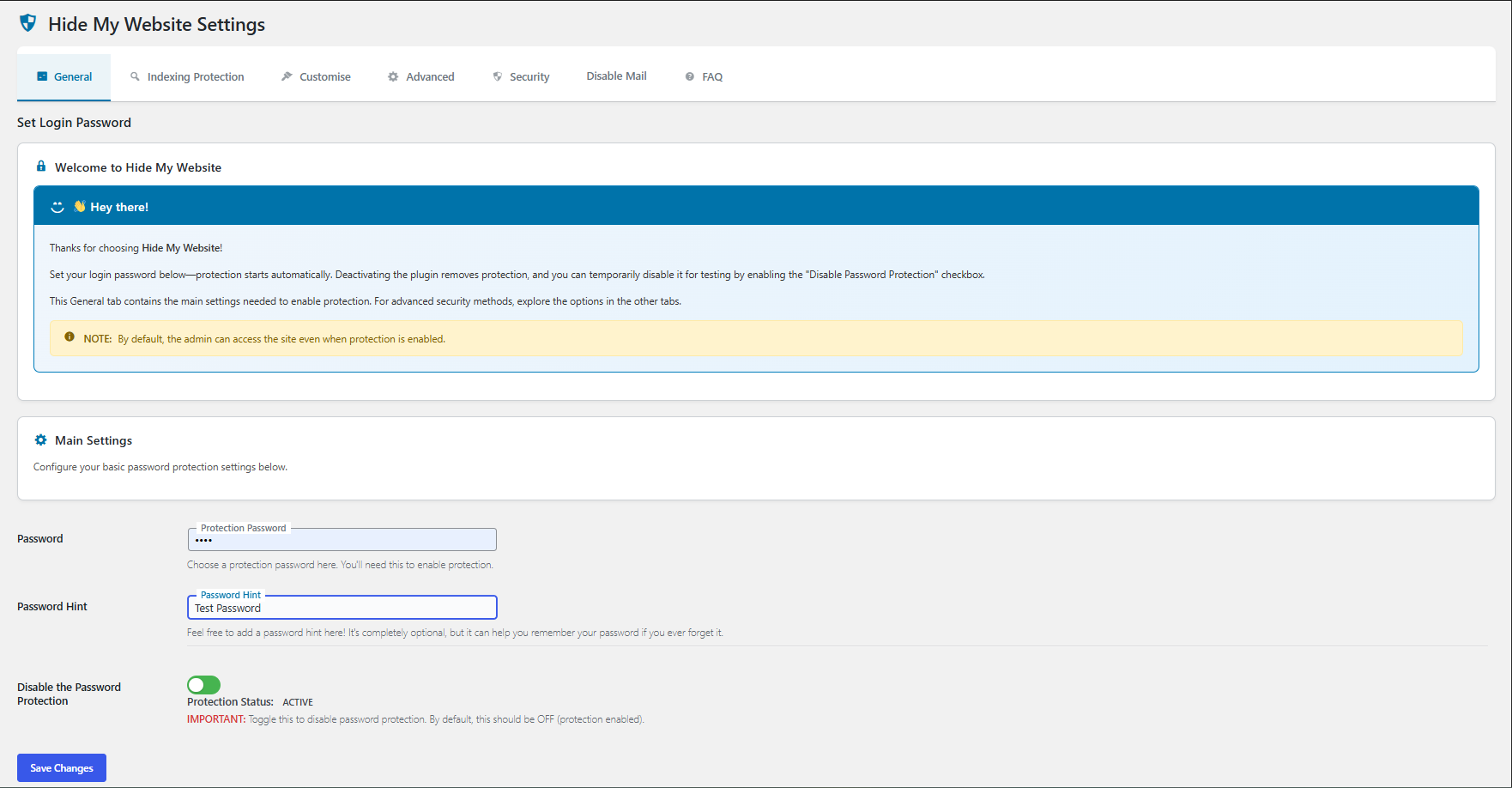
Main settings page
Hide My Website is a powerful security plugin that allows you to protect your entire WordPress site or specific pages behind a password prompt. It offers various security features to enhance your website’s protection against unauthorized access.
Key Features:
* 🔐 Password protect the entire site or specific pages
* 🧩 Multiple login templates
* 🤖 Block bots by modifying robots.txt
* 🚫 Search engine blocking
* 🧾 IP whitelisting
* 📡 Prevent feeds & XML-RPC
* 📄 Restrict specific pages
* 🗂️ Robots.txt customization
* ✉️ Disable all outgoing emails with one toggle
* 🛑 Admin Bar badge: “Emails disabled”
* 🔗 Hide Admin Login with a custom login URL
* 🤖 Block AI Crawlers (GPTBot, ClaudeBot, CCBot) with robots.txt rules and HTTP headers (new)
Coming soon:
* 🛡️ Brute-force Protection & Spam IP Block
* ⏱️ Timed access control
* 👥 User role-based access
* 🎨 Customizable login page


