
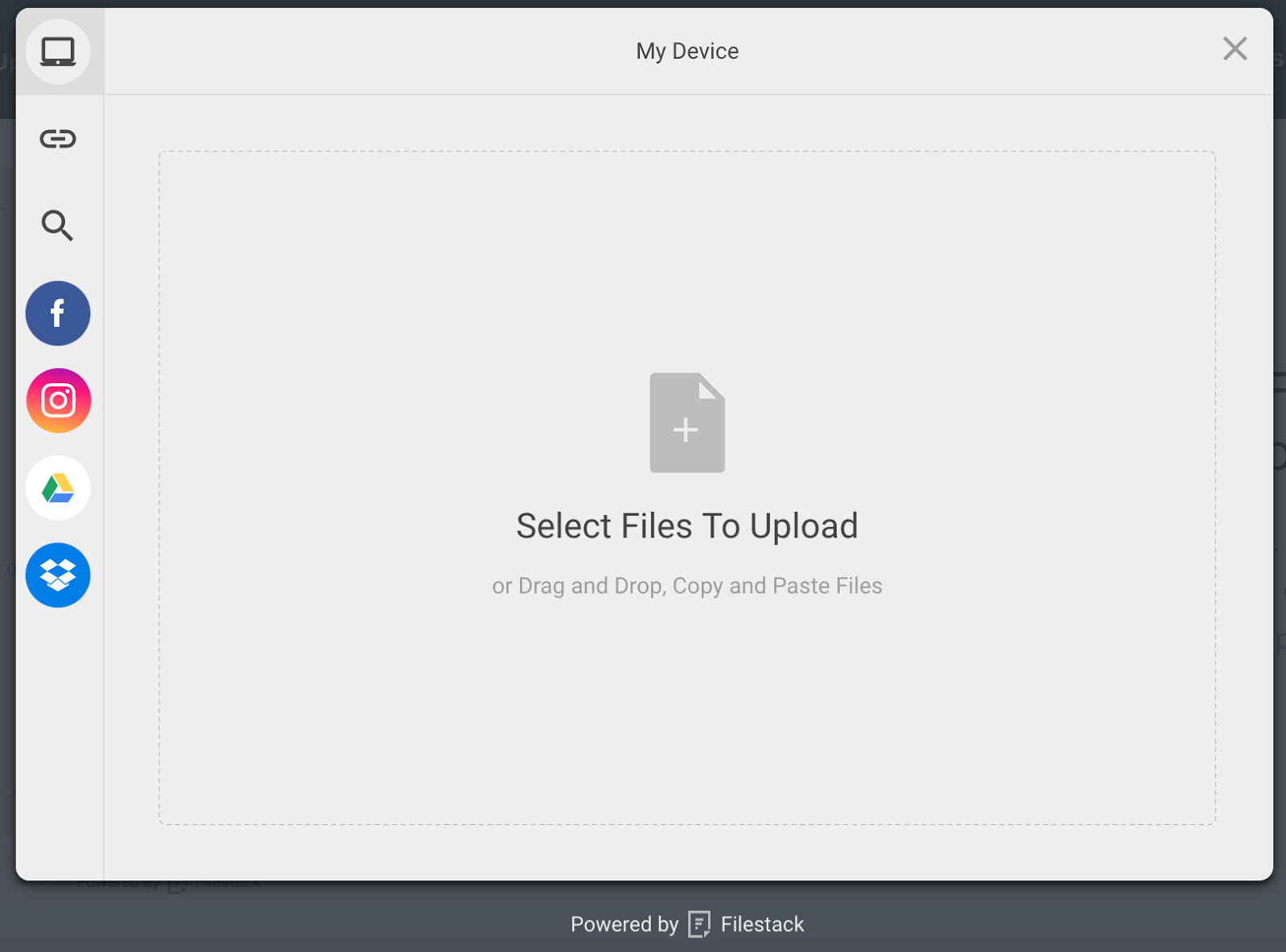
File Uploader Modal
With Filestack WordPress Upload, you or your users can upload files directly from local and cloud drives including Facebook, Instagram, Google Drive, Google Image Search, Google Photos, Dropbox, Box image URL, Webcam, Video Camera, and URL screenshots.
Simply put the shortcode [Filestack] to call the file uploader and set the location where the uploaded file should appear.
You can display the files and media assets immediately on your post or page. The integrated Filestack CDN optimizes for page load time to ensure high performance.
You or your users can crop or edit the image or file within the file uploader, or you can use file transformations to crop, resize, compress, tag, filter, border, or more file transformations to programmatically optimize the images and media assets.
You can store assets conveniently with Filestack or in your own cloud storage location, including Amazon S3, Microsoft Azure, Dropbox, Rackspace and Google Cloud Storage.
Filestack WordPress Upload Features:
- Upload integrations with Facebook, Instagram, Google Drive, Google Image Search, Google Photos, Dropbox, Box image URL, Webcam, Video Camera, and URL screenshots
- Multi-file upload support
- Large file upload up to 200MB (configurable)
- In-app image transformations: crop, circle crop, and rotate
- Asynchronous uploads
- Integrated CDN for fast delivery
- Cloud storage integrations with Amazon S3, Microsoft Azure, Dropbox, Rackspace, and Google Cloud Storage
Links
https://www.filestack.com
https://www.filestack.com/docs/javascript-api/pick-v3
Free API Key
Languages
- English: ‘en’
- Chinese: ‘zh’
- Danish: ‘da’
- Dutch: ‘nl’
- French: ‘fr’
- German: ‘de’
- Hebrew: ‘he’
- Italian: ‘it’
- Japanese: ‘ja’
- Polish: ‘pl’
- Portuguese: ‘pt’
- Russian: ‘ru’
- Spanish: ‘es’
Questions
You can contact Support at support@filestack.com and send general questions to hello@filestack.com. We love hearing from you!