FAQly – Ultimate FAQ
by drakearthur on WordPress.org
FAQly – Ultimate FAQ Plugin: A plugin to manage FAQs and display them as an accordion using a shortcode.
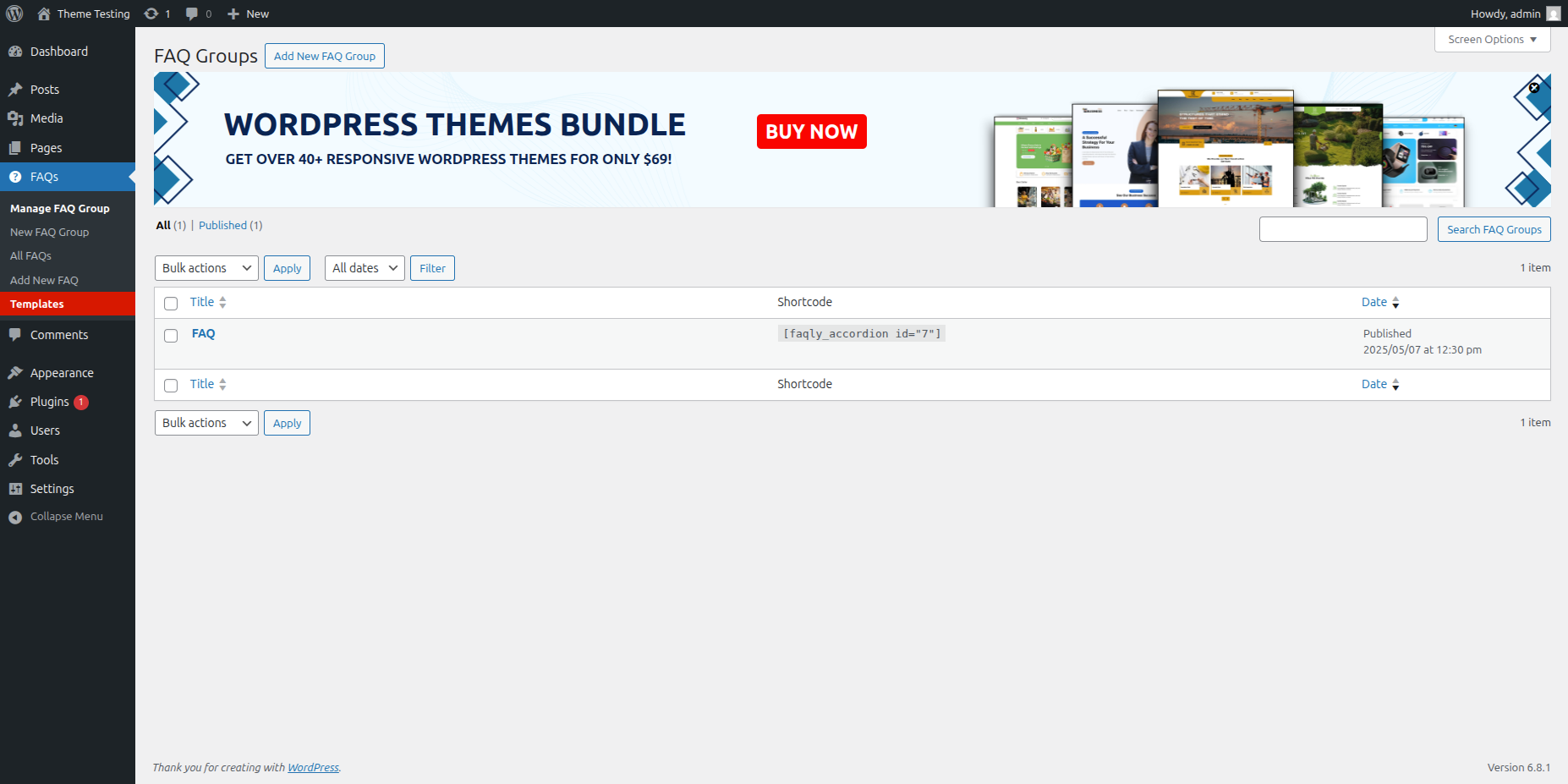
Having an FAQ section or knowledge base on your site is essential for improving user experience and reducing support inquiries. FAQly – Ultimate FAQ Plugin makes it easy to create, manage, and display FAQs anywhere on your website using blocks, patterns, or shortcodes.
Live Demo | Documentation | Upgrade to Pro!
With FAQly, you can:
• Create unlimited FAQ sections with categories and tags
• Display FAQs in beautiful accordion layouts
• Add schema markup automatically for better SEO
• Enable search functionality for quick answers
• Track FAQ engagement with built-in analytics
• Customize styles to match your website design
Perfect for:
• Business websites needing product/service FAQs
• Knowledge bases and help centers
• Support documentation
• Course and membership sites
• Any website looking to reduce support tickets
FAQly is lightweight, user-friendly, and integrates seamlessly with popular page builders and WordPress themes. Whether you’re a beginner or advanced user, you’ll find FAQly incredibly easy to set up and use.
Why Choose FAQly?
✔️ Simple & Easy to Use – Create and manage FAQs effortlessly.
✔️ Flexible Display Options – Use Gutenberg blocks, patterns, or shortcodes.
✔️ Works with Popular Builders – Fully compatible with Elementor, WPBakery, and more.
✔️ Mobile-Friendly & Responsive – Adapts seamlessly to any screen size.
🚀 Key Features
✅ Unlimited FAQs – Create and organize an unlimited number of FAQs.
✅ Accordion Layout – Neat, collapsible design for easy readability.
✅ Advanced Sorting & Ordering – Organize FAQs by categories, tags, or custom order.
✅ Built-in FAQ Schema – Helps search engines recognize and display your FAQs.
✅ Customization Options – Adjust FAQ elements like titles, categories, and styles.
✅ FAQ Statistics – Track views to identify the most popular FAQs.
🔍 Advanced FAQ Search
Improve navigation with a powerful search feature that helps visitors find answers quickly.
🔹 Add a search bar anywhere using shortcodes.
🔹 Live search results appear instantly as users type.
🚀 Premium Features
-
3 Layout Options – Horizontal, Vertical, & Multi-Column
-
17+ Pre-Designed Beautiful Themes
-
Advanced Typography & Styling Controls
-
Compatible with Almost Any Type of Content
-
Flexible Activator Events & Display Modes
-
One-Click Expand/Collapse All Button
-
14+ Stylish Expand & Collapse Icon Sets
-
AJAX-Powered FAQ Search
-
Import & Export FAQs Easily
-
WooCommerce Product FAQ Integration
-
Accordion Support for Taxonomies & Custom Post Types
-
Built-In FAQ Schema for SEO
-
WP Classic Editor (WYSIWYG) Support for Accordion Content
-
Option to Open Multiple Accordions Simultaneously
-
Multi-Level / Nested Accordion Support
-
25+ Smooth Animations & Transition Effects
-
AJAX Pagination for FAQs
-
Interactive Hover Effects for Engaging UI
-
Custom Icons option
FAQly works out of the box with popular translation plugins like WPML, Loco Translate, and Polylang, making it easy to create multilingual FAQs.
🎨 Get Our Compatible WordPress Theme Bundle
Looking for a perfect theme to complement FAQly? Check out our professionally designed WordPress themes that are fully compatible with FAQly – Ultimate FAQ Plugin.
Libraries Used
This plugin utilizes the following third-party libraries:
- Bootstrap v5.2.3 – A popular front-end framework used for responsive layout and UI components. Bootstrap is used in this plugin to style the admin and frontend elements, such as accordions and grids.
- Source: Bootstrap by The Bootstrap Team
- License: MIT License (View License)
Installation Guide for FAQly – Ultimate FAQ Plugin
Follow these simple steps to install the FAQly – Ultimate FAQ Plugin:
-
Method 1: Install via WordPress Plugin Directory
o Go to your WordPress Dashboard.
o Navigate to Plugins > Add New
o In the search bar, type “FAQly – Ultimate FAQ Plugin” and press Enter
o Click Install Now on the FAQly – Ultimate FAQ Plugin.
o After installation, click Activate to enable the plugin. -
Method 2: Manual Installation via ZIP File
o Download the FAQly – Ultimate FAQ Plugin ZIP file from the WordPress Plugin Repository
o Go to your WordPress Dashboard > Plugins > Add New.
o Click Upload Plugin, then select the downloaded ZIP file.
o Click Install Now, then Activate the plugin.
If you need any further assistance, feel free to check our documentation or reach out for support.