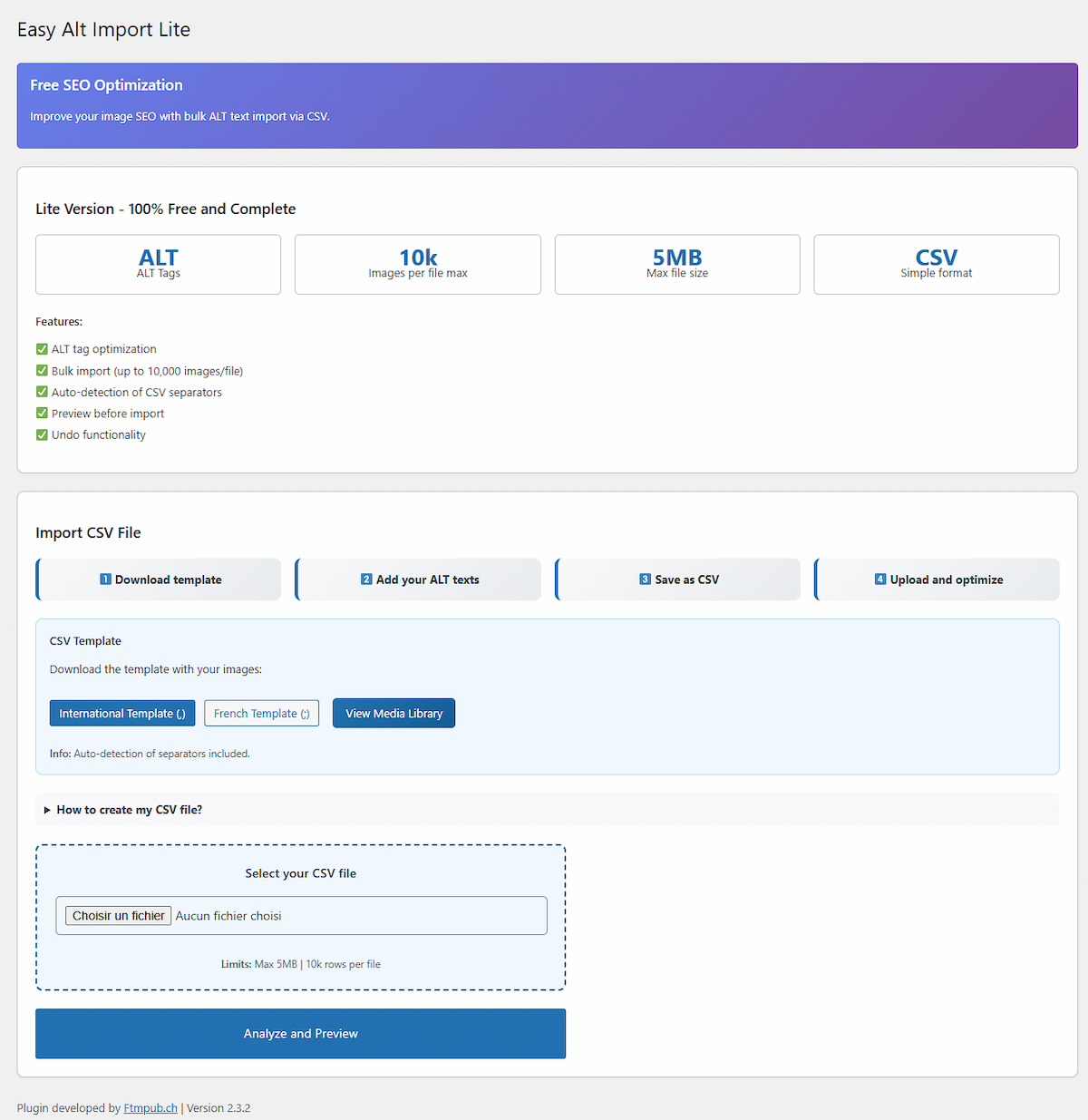
CSV import preview interface — Select images, compare current and new ALT texts before applying changes.
Easy Alt Import Lite is the fastest way to bulk update ALT texts in your WordPress Media Library using a simple CSV file. Perfect for SEO optimization, accessibility compliance, and e-commerce stores with many product images.
Upload, preview, select, and apply your changes — with one-click undo if needed. The plugin is lightweight, secure, and fully compliant with WordPress coding standards.
For the Pro version and full documentation, visit FTMPUB.ch — direct download, support, and extra features.
Highlights
- Bulk CSV import — update only the ALT text field
- Preview interface — compare current vs. new ALT before applying
- Selective import — choose which images to process
- Auto-separator detection — comma (
,) and semicolon (;) - Template generator — CSV prefilled with your image IDs
- Backup & restore — undo the last optimization in one click
- Performance-safe limits — up to 10,000 rows per file, 5 MB max
- Security-first — nonces, capability checks, CSV-injection protection
- Internationalization — proper translator comments and text domain
- 100% free — no lock-in
Who is it for?
- WooCommerce stores with hundreds of product images
- Photographers and bloggers improving on-page SEO
- Any site aiming for better image accessibility
- Agencies managing multiple client sites
CSV Format
Your CSV must contain exactly two columns (case-insensitive):
- ID — WordPress attachment ID (numeric)
- ALT — The new ALT text for that image
Example (international/comma):
ID,ALT
123,Handmade ceramic mug on wooden table
Example (French/semicolon):
ID;ALT
123;Mug en céramique sur table en bois
How It Works
- Download the CSV template from Easy Alt Import in the admin menu.
- Open the file in Excel/LibreOffice/Numbers or any text editor.
- Edit only the ALT column; keep IDs unchanged.
- Save as CSV (UTF-8 recommended).
- Upload the CSV, preview, select, and apply your changes.
- If needed, Undo the last optimization.
Support
Need help or want the Pro version with extra features?
👉 Easy Alt Import Pro on FTMPUB.ch


