
Company Posts for LinkedIn
by Brain Station 23 PLC. on WordPress.org
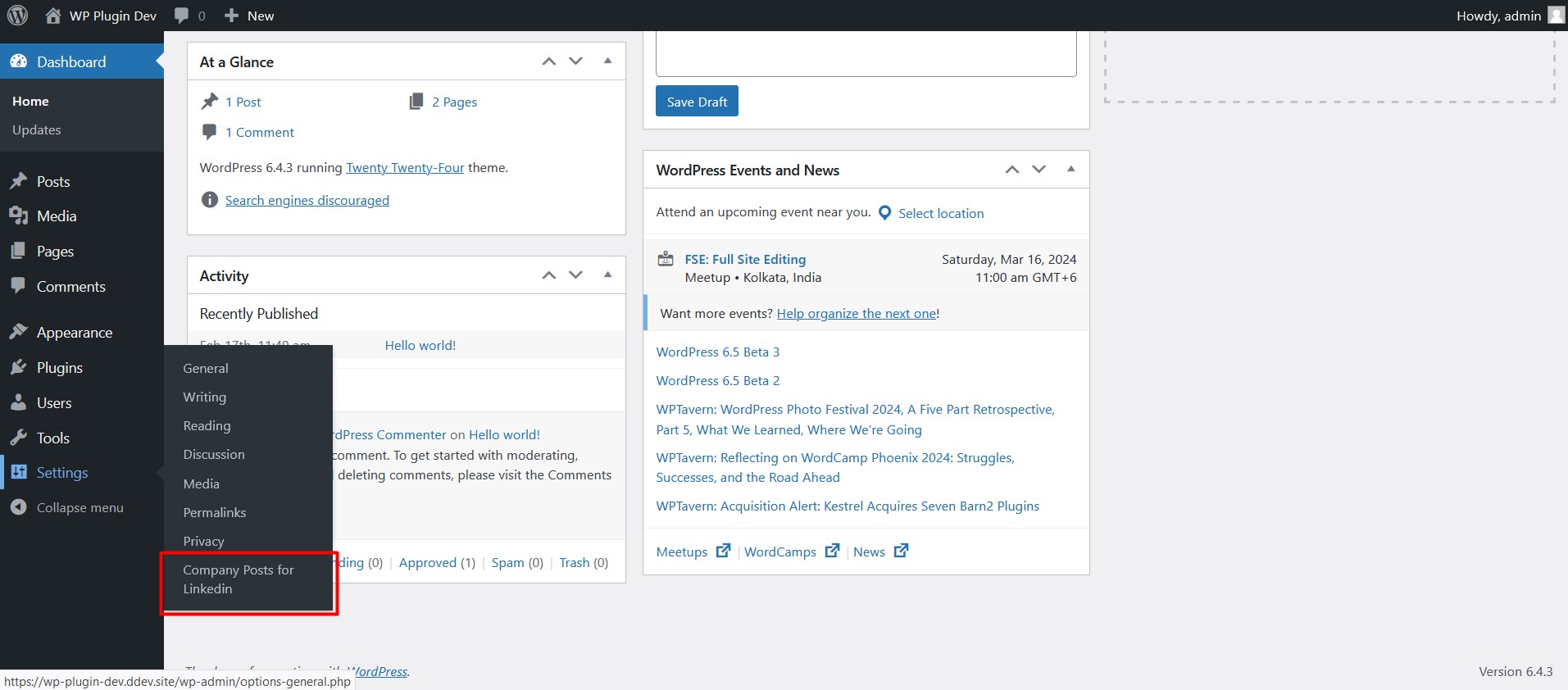
This screenshot description corresponds to screenshot-1.(png|jpg|jpeg|gif). Note that the screenshot is taken from
the /assets directory or the directory that contains the stable readme.txt (tags or trunk). Screenshots in the /assets
directory take precedence. For example, /assets/screenshot-1.png would win over /tags/4.3/screenshot-1.png
(or jpg, jpeg, gif).
The “Company Posts for LinkedIn” plugin is a powerful tool designed to seamlessly integrate your LinkedIn company’s posts into your WordPress site. With this plugin, you can effortlessly showcase your company’s latest updates, articles, and announcements, boosting your online presence and engagement.
Third-Party Service: LinkedIn API
This plugin uses the LinkedIn API to retrieve and display company posts on your WordPress site. By activating and using this plugin, you are agreeing to send requests to LinkedIn’s servers in order to fetch the latest posts from specified LinkedIn company pages.
Please review LinkedIn’s Terms of Service and Privacy Policy to ensure compliance with their data usage policies:
LinkedIn Terms of Service
LinkedIn Privacy Policy
API Terms of Use
Plugin Configuration
“LinkedIn Company features Required to use this plugin”
- First of all, you need to create an app for your LinkedIn company Here, (No need to create if you already have).
- You have to access Advertising API to showcase your LinkedIn posts into your WordPress website.
- Open MyApps from LinkedIn Developer Panel and go to Auth tab.
- Copy Client ID and Client Secret and also collect Company Id from LinkedIn Company, Company id can be found in an address link.
- Now open Company Posts for LinkedIn plugin admin dashboard found in WordPress plugin dashboards settings menu.
- Set Client Id, Client Secret in Config section, Company id in Feed Settings section and Save it.
- Copy Authorized redirect URL and set it on your LinkedIn company App auth tab, OAuth 2.0 Settings.
- After that, click Authorize Me (Company Posts for LinkedIn Dashboard) and verify login using email and password.
- Now you can see the shortcode located below the save button.
- Use the shortcode into your page, posts wherever you want.
- You can set the limit of the company posts from Feeds Settings.
- Open Your LinkedIn and click profile, From manage section click Company and Manage your Company Posts.


