Click to Chat – HoliThemes
by HoliThemes on WordPress.org
WhatsApp Chat🔥. Let's make your Web page visitors contact you through 'WhatsApp', 'WhatsApp Business'. Add matching Widget✅
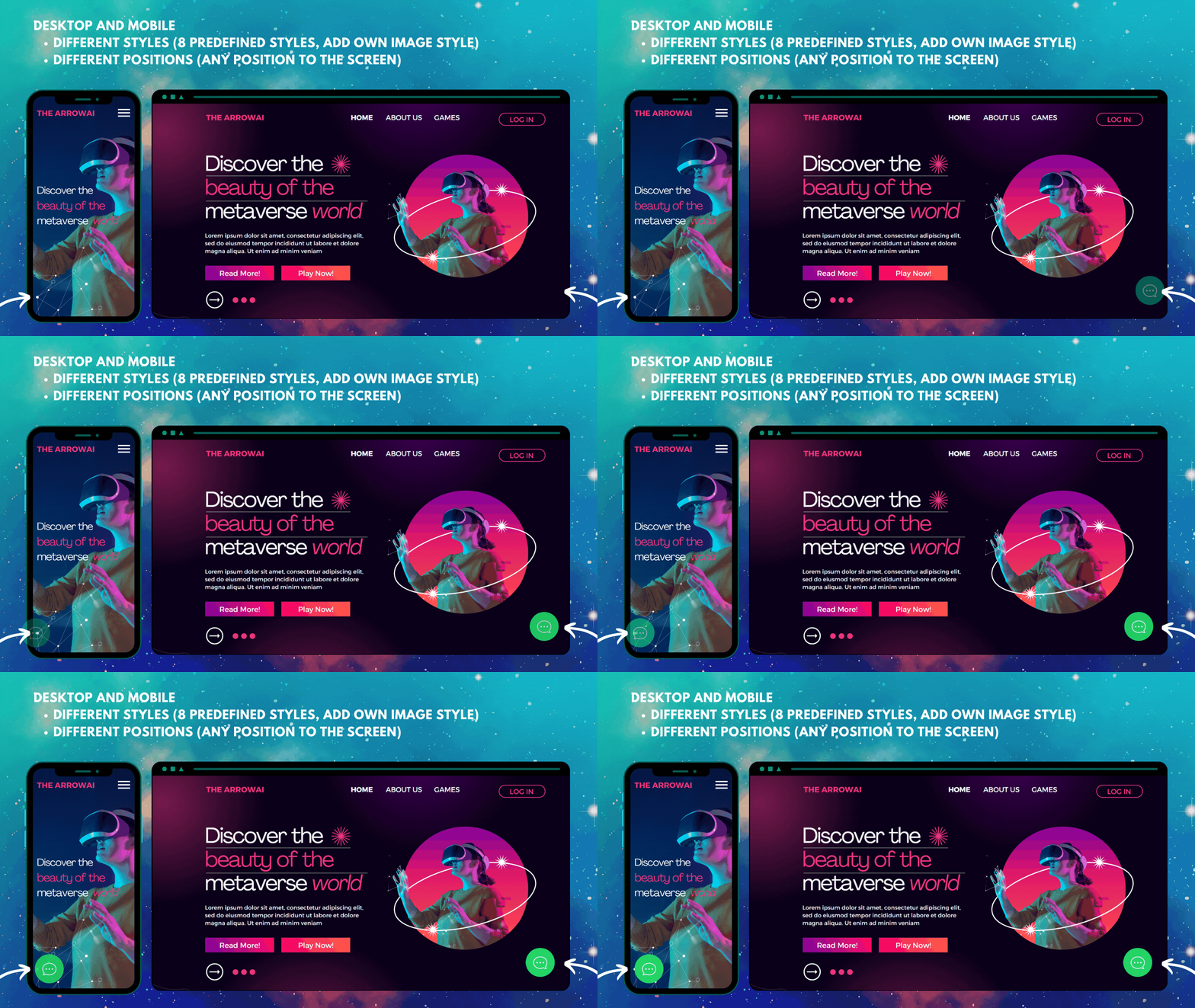
8 Styles, 1 Add your own image or GIF. Add at any position to the screen (Desktop, Mobile: can set different styles, positions)
WhatsApp Chat. Let’s make your Web page visitors contact you through “WhatsApp” or “WhatsApp Business” with a single click (WhatsApp Chat, Group).
Demo | Documentation | Support | PRO
WhatsApp Chat
Add ‘WhatsApp’ or ‘WhatsApp Business’ Number and let your website visitors contact you with a single click.
📱 Mobile: Open the WhatsApp Mobile App for a seamless connection.
💻 Desktop: Direct visitors to the WhatsApp Desktop App or Web WhatsApp page (web.whatsapp.com)
💎 Styles
Select a style that complements the design of your website.
- 8 pre-defined customizable styles/designs
- Add your own Image/GIF
- Custom Element/Design (convert any element to a WhatsApp Chat element)
- Shortcodes (Add WhatsApp button/icon with inline the content)
- Different Styles, Positions for Mobile, Desktop
- Choose a style and customize it to match the website’s design
list of Styles | 🎨Customize Styles
💡 Add Own Image
Instead of selecting a pre-defined style, add any Image/Animated-image/GIF.
🌈 Custom Element
Convert any Element as a WhatsApp Chat Element by adding
- Class/ID name: ‘ctc_chat’ (or)
- Href/link: ‘#ctc_chat’
The custom design element will navigate to WhatsApp based on plugin settings (WhatsApp Number, pre-filled message, Analytics, …. ).
(e.g. menu item, button, image, link – just add ctc_chat as a class name)
🎉 Greetings Dialog
Add customizable greeting dialogs for boosting user attention and increasing interaction. Seamlessly integrate these greetings into your website for better engagement.
- Greetings-1 – Customizable Design: Personalize the design to match your branding with full control over fonts, colors, images, and more.
- Greetings-2 – Content Specific: Deliver focused messages that resonate effectively with your users.
📝 Form Filling
Get the necessary information from the website visitors before initiating the chat.
- Get an email notification when the user fills out the form.
- Call a webhook with the form data to integrate with other applications. Using integrations tools add data in Google Sheet, CRM and many more applications.
- Form data can be prefilled in the WhatsApp chat window.
PRO: Greetings-Form
👥 Multi-Agent
Add multiple WhatsApp chat accounts within a single Greetings dialog.
- We can set different time ranges for each agent. (24×7 or multiple time ranges for each day of the week).
- Offline Agents
- Chat when offline (display agent with next available time).
- Disable chat (display agent with next available time).
- Hide offline agents
PRO: Multi-Agent
⌛ Greetings Actions
- Click Action: Displays greeting dialog when a user clicks on any element with the class name: ‘ctc_greetings’.
- ViewPort Action: Displays Greetings When an element is in/reached viewport(25% margin) with the Class name: ‘ctc_greetings_now’ [PRO]
- Time, Scroll Actions: Display Greetings based on time, scroll [PRO]
These actions enhance user interaction by triggering greetings at the right moments, improving engagement and support efficiency.
🔴 Notification Badge
Get user attention by displaying a notification badge on the WhatsApp Chat element.
Customize the notification badge with the notification count, text color, background color, border color, and time delay to display the notification badge.
✳️ Position to Place
- Add WhatsApp at any position of the screen
(not limited to fixed positions). - Different positions for Mobile and Desktop.
⏩ Pre-filled Message
Text that appears in the WhatsApp chat window when the user clicks on the WhatsApp.
Users can easily start the conversation.
Variables to change values dynamically
- {site} -> Website Title
- {title} -> Page Title
- {url} -> Web page URL
- [url] -> Web page full URL including query parameters
With these variables, we can understand from which page the user started WhatsApp chat.
🛍️ WooCommerce
WooCommerce product pages
For WooCommerce, single product pages can overwrite the main setings to add a product specific message using dynamic variables.
- Pre-filled Message
- Call to Action
- Greetings Template, Content [PRO]
Additional variables, specific to WooCommerce single product page to change values dynamically
- {product} -> Product Name
- {price} -> Product Price (current price)
- {regular_price} -> Regular product price (without any sale)
- {sku} -> Stock keeping unit
For Shop, Cart, Checkout, and Account pages we can overwrite at page level settings
Add WhatsApp – Single Product Pages
Add WhatsApp button or icon at WooCommerce single product pages.
- Before Main Content
- Before Product
- Before Product Summary
- Product Summary
- Before Add to Cart Form
- Before Cart Button
- After Cart Button
- After Add to Cart Form
- After Product
- After product summary
We can add dynamic variables for the Call to Action.
E.g. Buy {product}
{product} will be replaced with the product name for all product pages.
Add WhatsApp Icon/Button in WooCommerce Product pages
Add WhatsApp – Shop Page
Add WhatsApp to WooCommerce Products list (shop page, related products list)
📒 Page Level Settings
At the page level, we can overwrite the settings for each post. We can add a different Whatsapp Number, Prefilled Message, Call to Action for each post
(while editing the post, in the right sidebar ‘Click to Chat’ meta box)
- WhatsApp Number
- Call to Action
- Pre-filled Message
- Display Settings
PRO:
- Change Styles
- Time Delay
- Scroll Delay
- Greetings Template
- Greetings Header, Main, Bottom Content
📈 Analytics
Creates an Event when the user clicks on the WhatsApp Icon/button.
Webhooks
Connect other applications using Integrate, Automation tools like Zapier, IFTTT, Pipedream, etc.
⭐ PRO
- Multi-Agent: Displays multiple WhatsApp chat accounts
- Set multiple time ranges for each agent’s availability
- Hide offline agents or display agent when offline with next available time
- Random Numbers: Navigates to a random WhatsApp number from the predefined list
- Form: Get the necessary information from the website visitors, before initiating the chat
- Get an email notification when the user fills out the form.
- Use webhooks to send form data to external apps in real-time for seamless integration.
- Prefill WhatsApp messages with user-provided form data to streamline conversations
- Business hours: Offline/Online Settings
- Set business hours for a specific time range within a day, specific days in a week.
- Hide the widget during offline hours or automatically change the WhatsApp numbers and call to action.
- Display based on website visitor’s country
- Webhooks – Dynamic variables
- {url} – Current page URL.
- {time} – Time user interacted with the WhatsApp Button/Icon.
- {number} – WhatsApp Number associated with the icon/button.
- Get values from url parameters by adding name with in single square brackets E.g. [gclid], [utm_source]
- Get values from cookies by adding the name with in double square brackets. E.g. [[cookie_name]]
- Get additional values at Google Analytics, Meta Pixel
- Get values from url parameters. E.g. [gclid], [utm_source]
- Get values from cookies. E.g. [[cookie_name]]
- Greetings Actions: (for all greeting dialogs: Greetings-1, Greetings-2, Form, Multi-agent)
- Display greetings dynamically based on user actions such as
- Time: Time spent on the page,
- Scroll: Page scroll percentage,
- Click: specific button clicks
- ViewPort: when an element becomes visible in the viewport.
- Display greetings dynamically based on user actions such as
- Position to place
- Fixed: Fixed position on the screen (default position)
- Absolute: Fixed position to the body content. (Moves when the user scrolls the page)
- Time Delay & Scroll Delay: Display WhatsApp widget after a specified time delay or once the user scrolls a certain percentage of the page.
- Display based on Website visitor’s login status
- Page-level settings: Fine-tune WhatsApp button behavior for individual pages. Change styles, time delays, scroll delay, Greetings Template, and Greetings Content
- WooCommerce: Customize WhatsApp widget behavior specifically for WooCommerce pages
- Overwrite greetings template, Content for Single product pages.
- Overwrite settings for Shop, Checkout, and Account pages at page-level settings
🔆 PRO
🎯 Localization
Click to Chat is Compatible with translation plugins. WPML, Polylang.
It is easy to set up different values for each language
- WhatsApp Number
- Call to Action
- Pre-filled Message
- Greetings Content
- Group ID
- Share Text
🚀 Performance
- Rich in features, but the site’s front end is very lightweight.
We highly concentrate on speed and performance.
👓 Display Settings
Customize the visibility of the widget by showing or hiding styles based on specific settings, such as:
- Post type
- Post Id
- Category name
- Device Type(Mobile, Desktop)
- WooCommerce single product pages
PRO:
- Time delay
- Scroll delay
- Selected time range in a day
- Selected Days in a week
- Website visitor login status
- Website visitor country
✅ Opt-in
Make the website users opt-in / accept consent before initiating the chat.
⛳ Shortcodes
Use shortcodes to instead a WhatsApp icon or button with inline the Post content, widget area.
change the default setting values using shortcode attributes – WhatsApp Number, Style, Pre-filled message, Call to Action.
Chat Shortcodes
[ht-ctc-chat]
To change the WhatsApp number use the ‘number’ attribute
[ht-ctc-chat number=915123456789]
Group
Enable the Group chat feature and add WhatsApp Group id in the plugin settings.
Make it easy for your customers to join Whatsapp Group.
Share
Let users share your website with their WhatsApp contacts and get more leads.
🌏 Help Translate The Plugin
Help by Translating the plugin to be available in more languages