
Auto Backup Before Update
by Sajjad Hossain Sagor on WordPress.org
Automatically backs up each plugin and theme before updates — allowing quick rollback to previous versions if anything goes wrong.
(0)
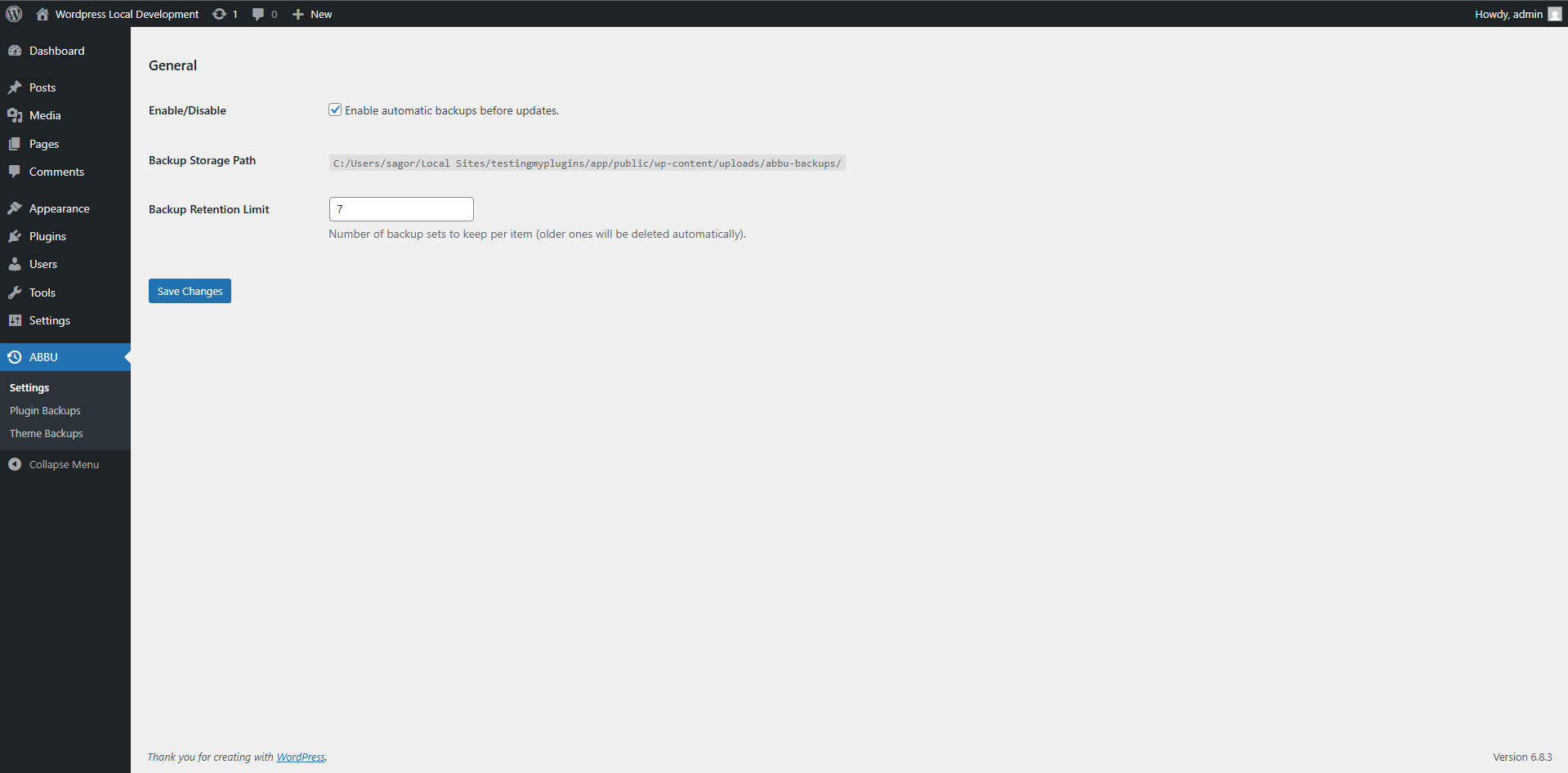
Backup settings and restore panel.
Auto Backup Before Update automatically creates version-specific backups of your plugins and themes right before they’re updated — so you can safely revert if an update breaks your site.
No more guessing what went wrong after an update — simply restore to the last working version in a few clicks.
Key Features
- Automatic pre-update backups — Every plugin and theme is backed up before updates.
- Version-specific restore points — Restore individual plugins or themes to their previous versions.
- Manual restore option — Revert anytime from the Restore screen if an issue occurs.
- Lightweight and reliable — No full-site backups or heavy compression that slow your server.
How It Works
- When you update a plugin or theme, this plugin creates a backup snapshot of:
- The specific plugin or theme files being updated.
- After the update, if the site breaks or an issue occurs, go to:
Dashboard ABBU Restore - Choose the item and version to restore — and you’re back online instantly.
Ideal For
- Site owners who frequently update plugins/themes.
- Developers managing multiple client sites.
- Staging or production sites where downtime isn’t acceptable.
Active installations0+
Weekly downloads
6-45.45%
Version1.0.1
Last updated12/10/2025
WordPress version6.5
Tested up to6.9.1
PHP version7.4
Tags
auto backupbackupplugin updaterestorerollback


