
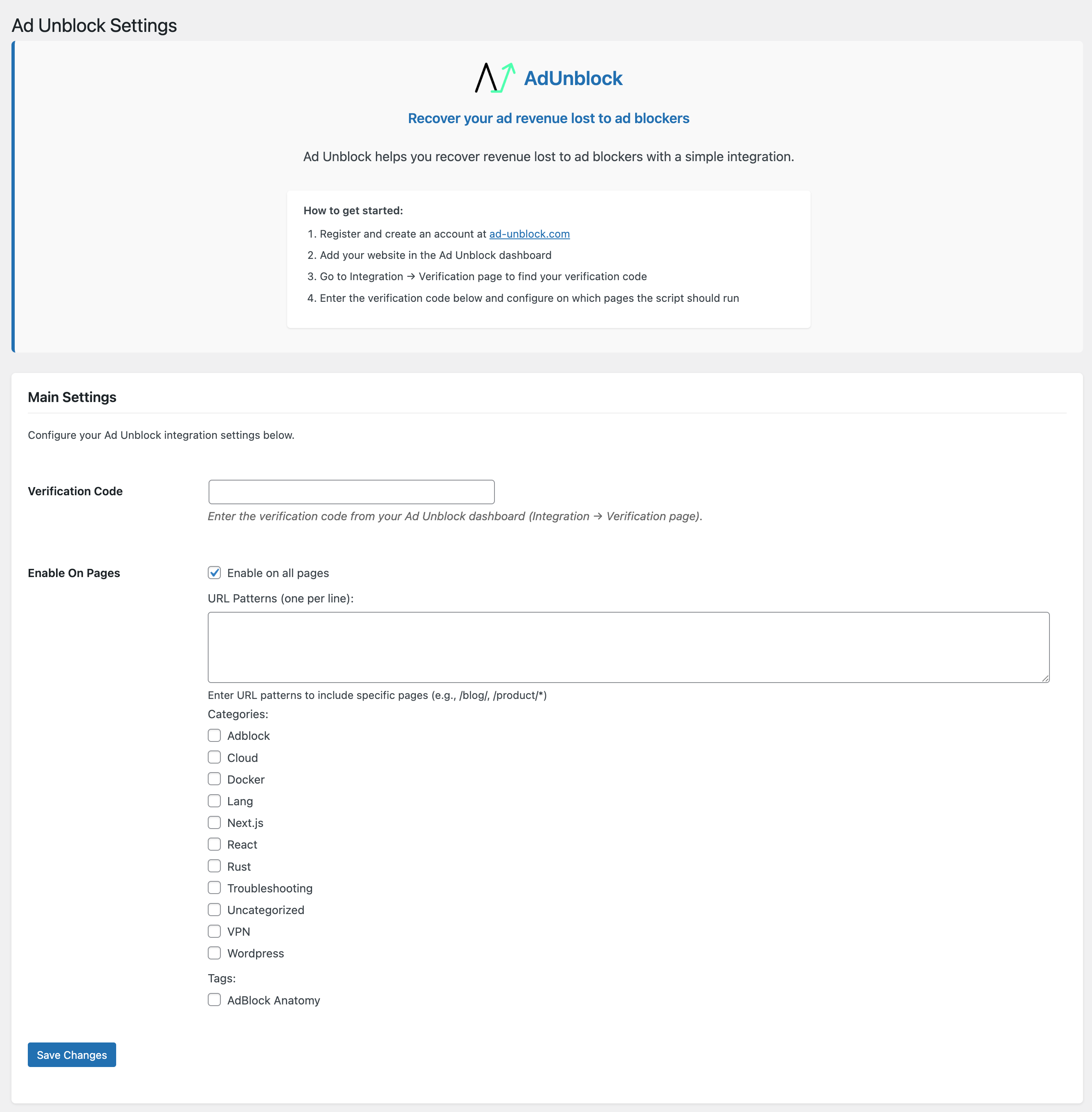
Admin settings page where you can configure your Account ID and page rules.
Ad Unblock plugin allows you to easily integrate your WordPress site with the Ad Unblock service, which helps you recover ad revenue lost due to ad blockers.
Key Features
- Simple Account ID setup
- Control which pages the script runs on (all pages, specific URL patterns, categories, or tags)
- Automatically inserts the required script into your site’s header
- Caches API requests for optimal performance
How It Works
- Sign up for an account at ad-unblock.com
- Get your Account ID from the Ad Unblock dashboard
- Enter the Account ID in the plugin settings to enable it
- Add your website in the Ad Unblock dashboard
- Configure on which pages the script should run
- Start recovering your ad revenue!
External services
This plugin connects to the Ad Unblock service (https://public.adunblocker.com/api/vendor_scripts) to obtain script source URLs. The script source URLs may change hence the server side fetch.
Data Transmitted
- The plugin fetches script source URLs from https://public.adunblocker.com/api/vendor_scripts (cached for 5 minutes)
- No personal user data is collected or transmitted by the plugin itself
The external service is provided by Ad Unblock:
* Terms of Service
* Privacy Policy
Active installations100+
Weekly downloads
89+286.96%
Version1.1.3
Last updated4/17/2026
WordPress version5.0
Tested up to6.8.5
PHP version7.0
Tags
ad blockerad recoverymonetizationrevenue recovery